

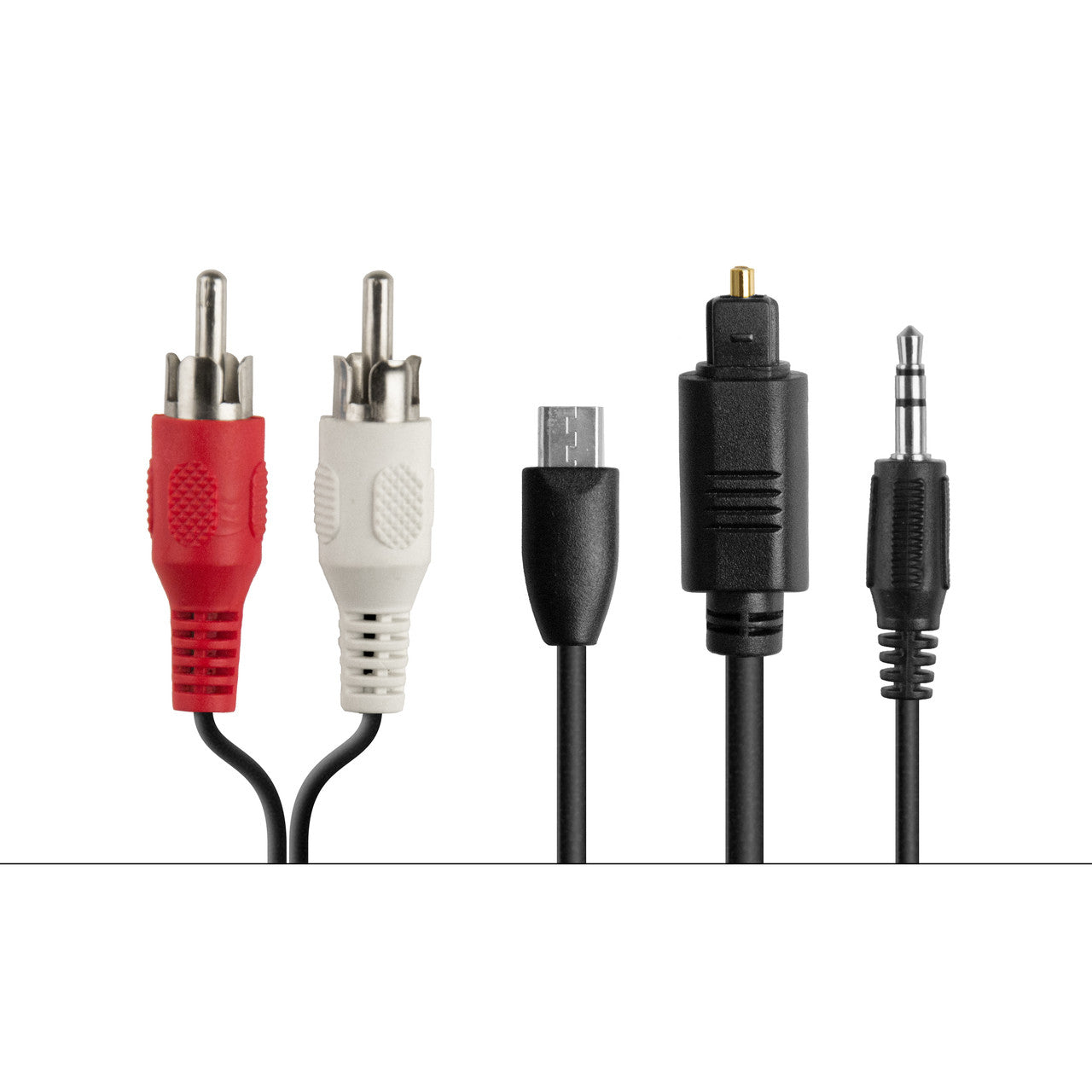
 4 cables for the Connect Bluetooth Audio Transmitter consisting of RCA, Miro-USB, Optical, and 3.5mm Aux cables.
Wireless Home Theater System for All TVs
Experience spatial audio that follows your head movement, creating an immersive experience that feels like the sound is all around you—not in your headphones. Includes a Connect Wireless Audio Transmitter for compatibility with older TVs and legacy devices lacking built-in Bluetooth.
Couldn't load pickup availability
Pickup available at MEE audio Warehouse
We'll email you when your order is readyShare:
Pairs well with
Answers to some common questions can be found below. If you need any additional assistance, please contact us and we’ll get back to you within 1 business day.
-
How long will my product take to ship?
We strive to ship most orders out within 1-2 business days. Most pickup orders are available for pickup in 1 business day. Made-to-order products require additional manufacturing time, which is noted on their respective product pages. For more information, visit our Shipping Info page.
-
I need help with a MEE audio product
Answers to most common questions can be found in our Setup Guides and FAQs. If you need a user manual for your MEE audio product, visit the User Manuals page.
-
I have a question about warranty & returns
All new, retail-packaged products purchased from MEE audio or authorized resellers carry a minimum of a 1-year manufacturer warranty. For more information, see our Warranty Policy. Purchases from MEEaudio.com can also be returned within 30 days in most cases. For more information and exceptions, see our Return & Refund Policy
-
I have a different question
Ask our team in one of the following ways:
- Use the 'Chat' button in the lower right hand corner
- Email support@meeaudio.com
- Call us at (626) 965-1008
We are open M-F 9am-5pm PST (except holidays)
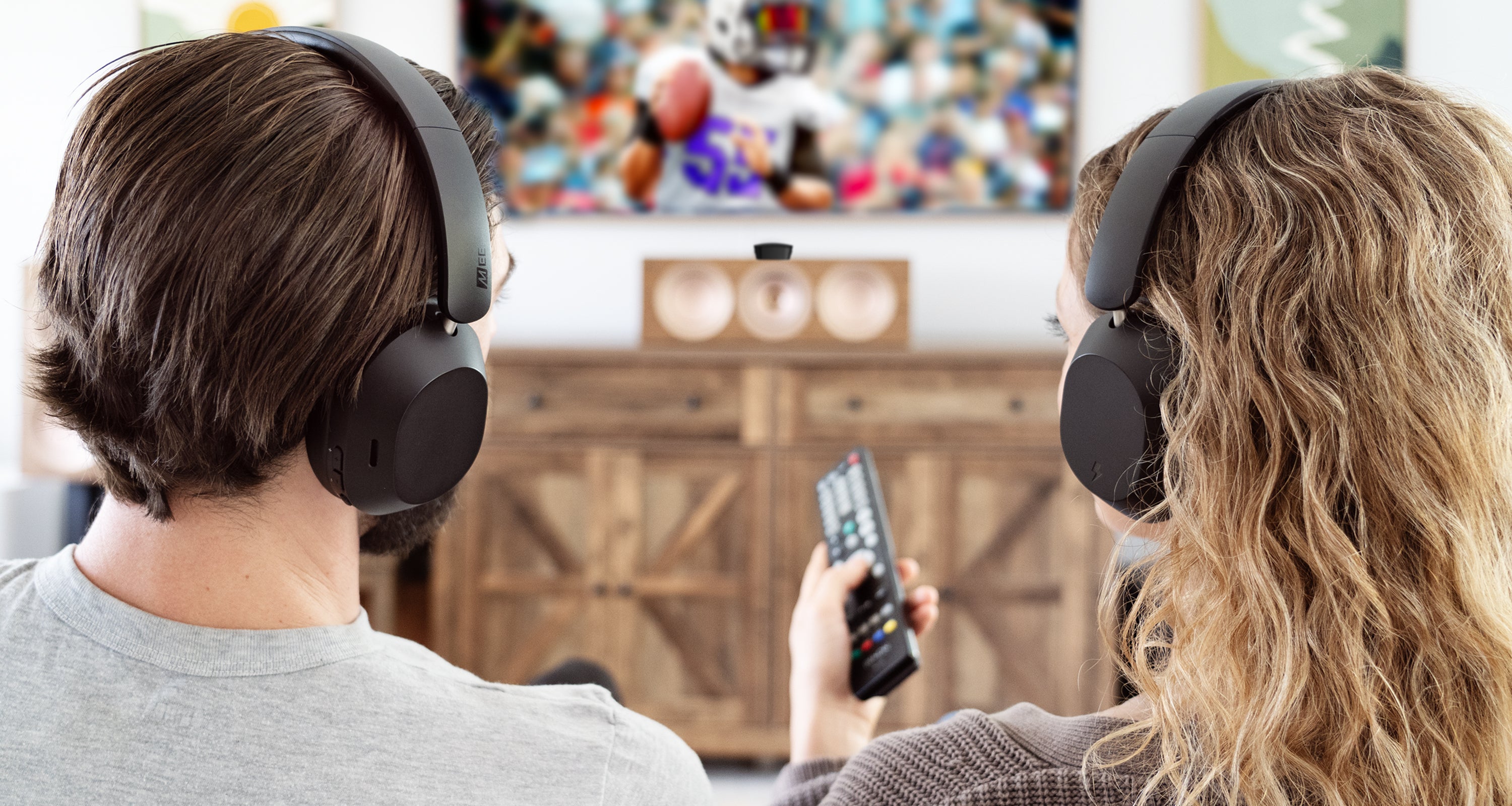
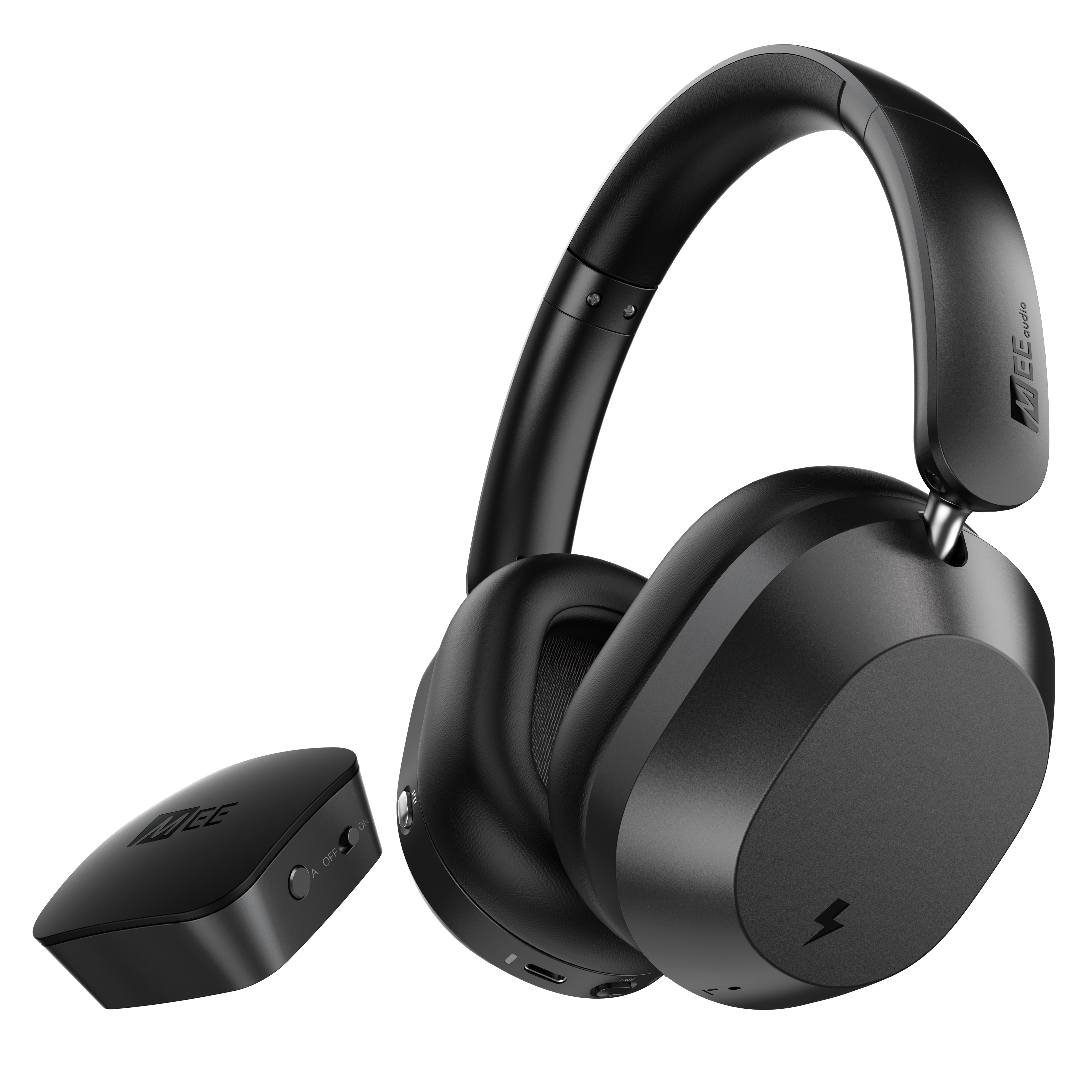
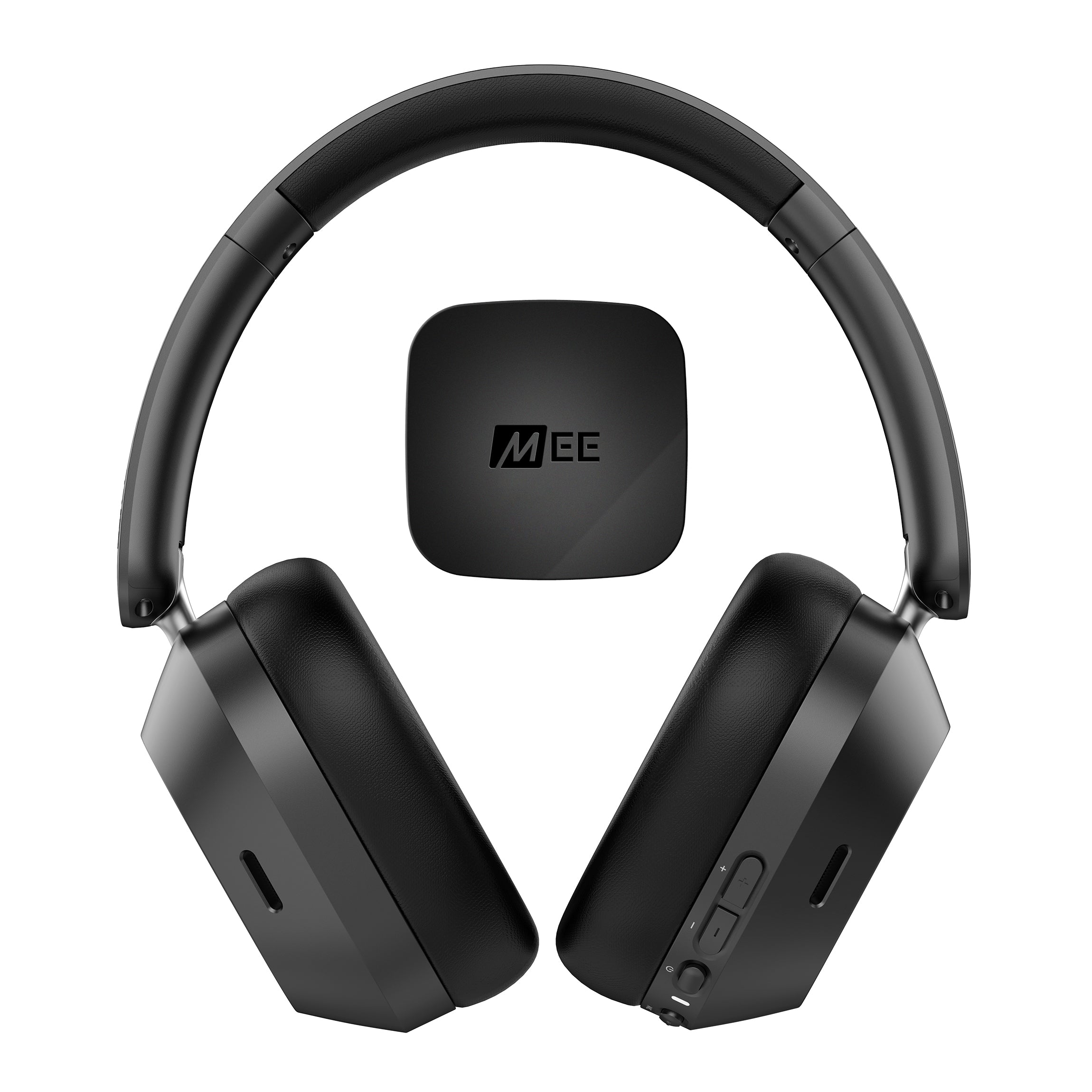
Bundle includes Cinema 3D headphones and Connect Bluetooth audio transmitter, pre-paired out of the box for a plug-and-play experience.
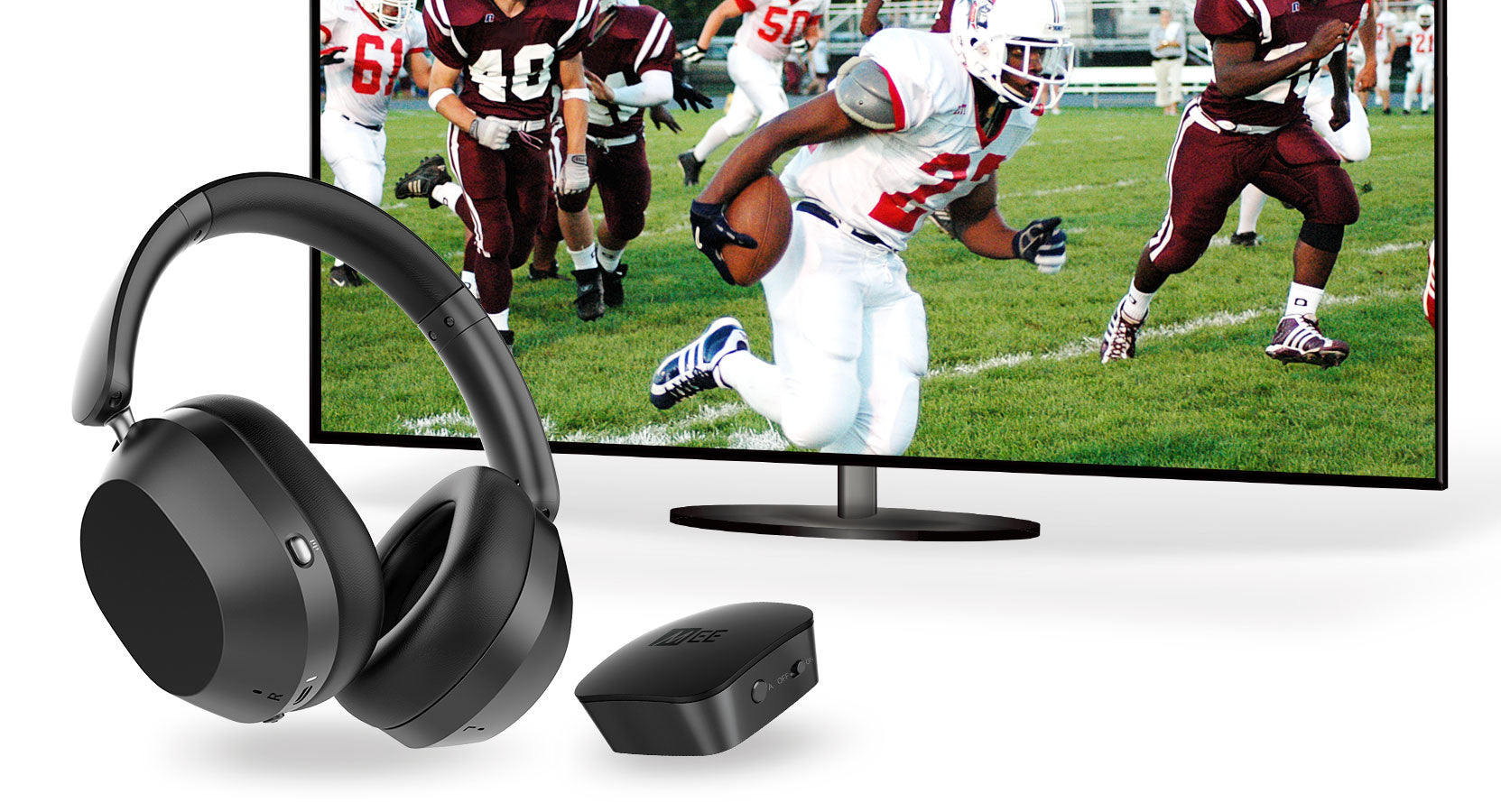

Listen to TV Audio Without Disrupting Others.
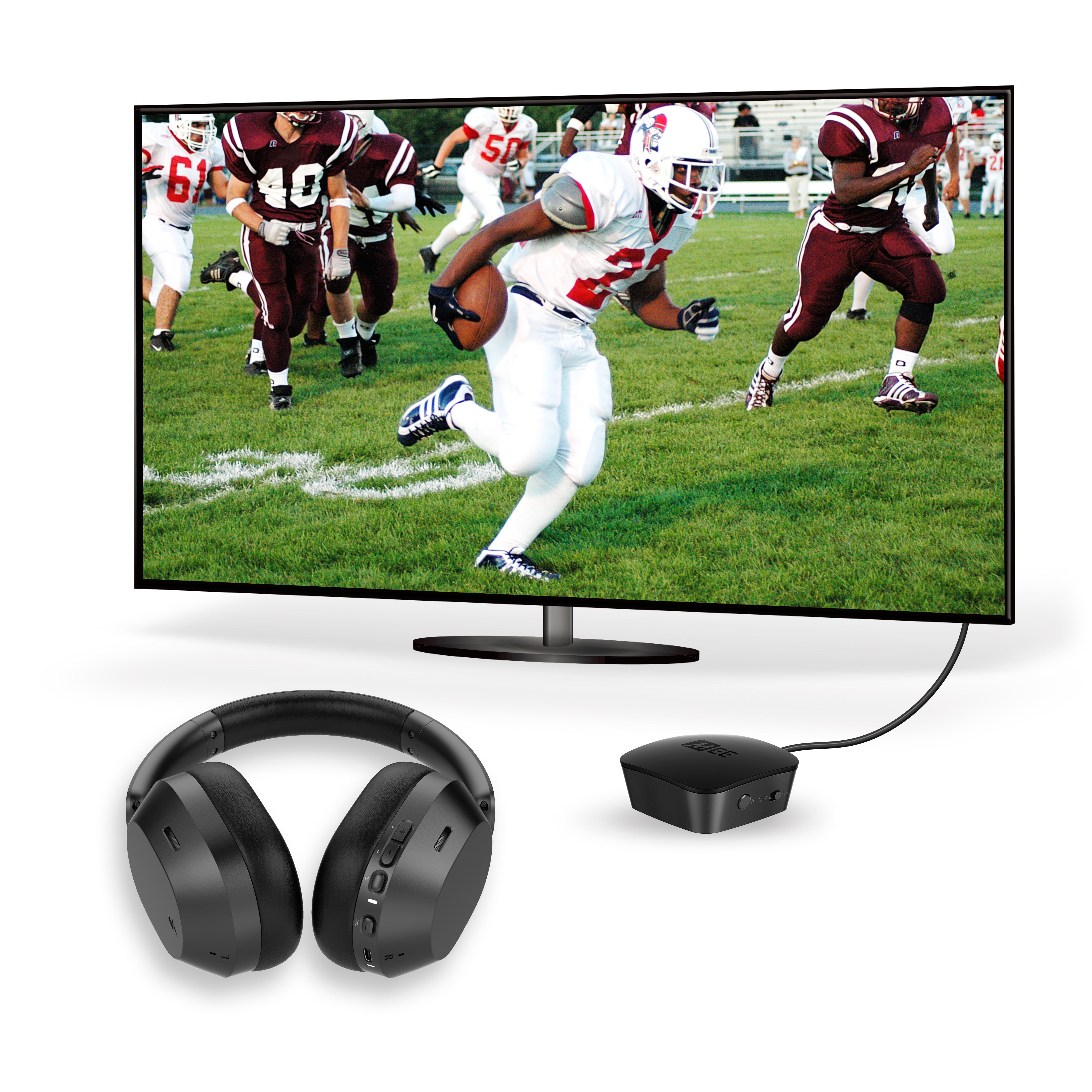
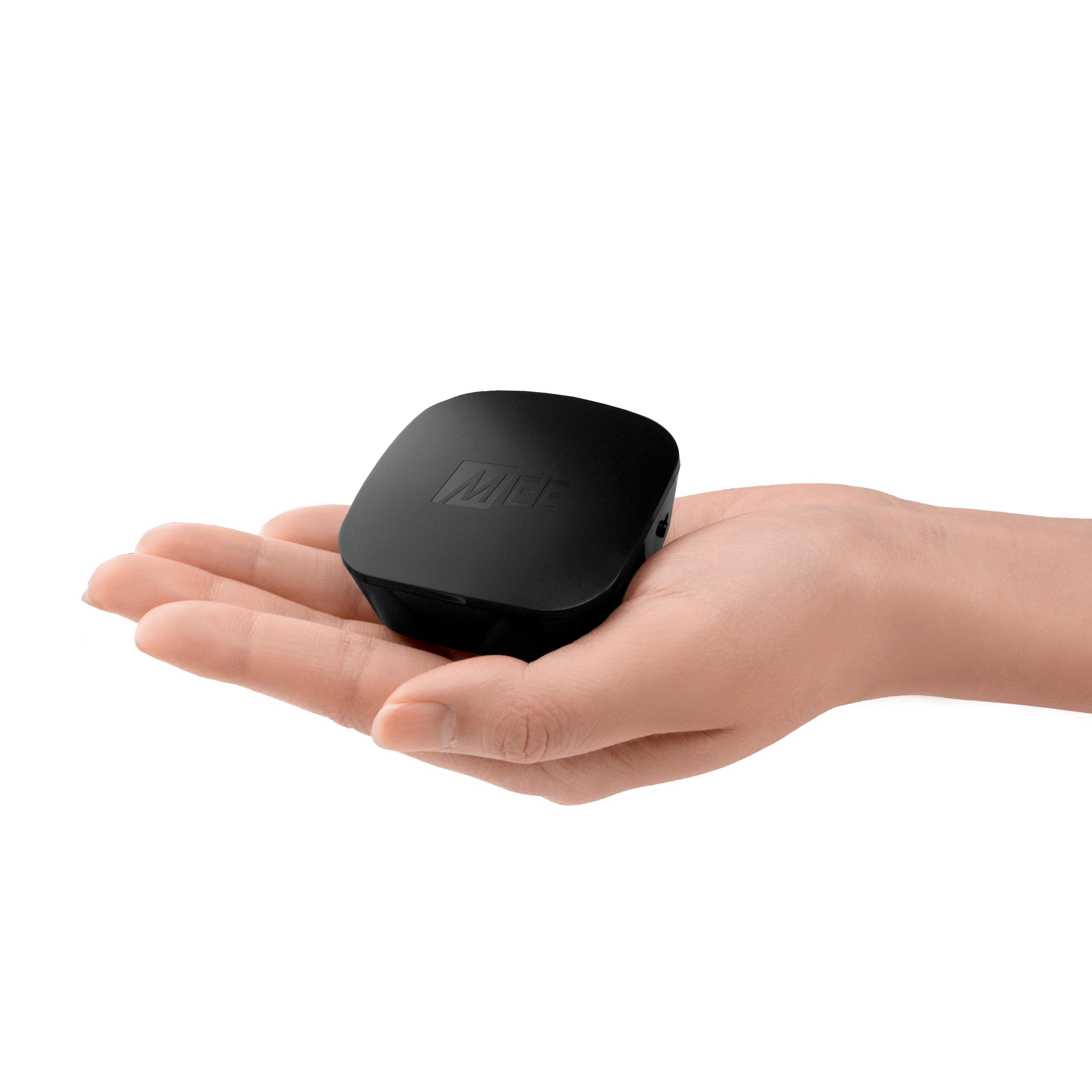
Included Connect transmitter enables TVs and other devices to stream clear, distortion-free digital sound wirelessly to Bluetooth headphones (and speakers).
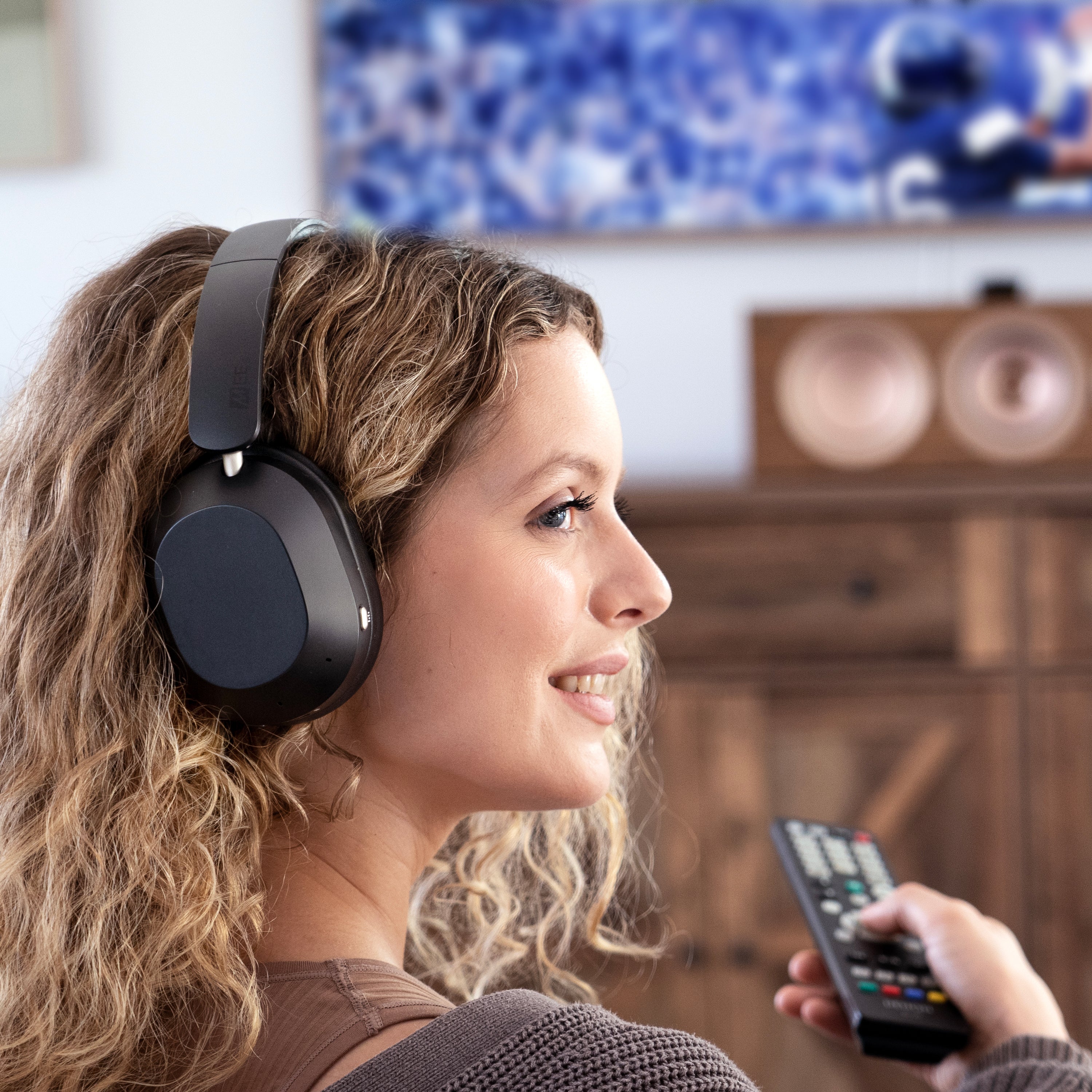
Enjoy your TV without bothering roommates, children, or other family members, or watch TV in bed without disturbing your significant other.
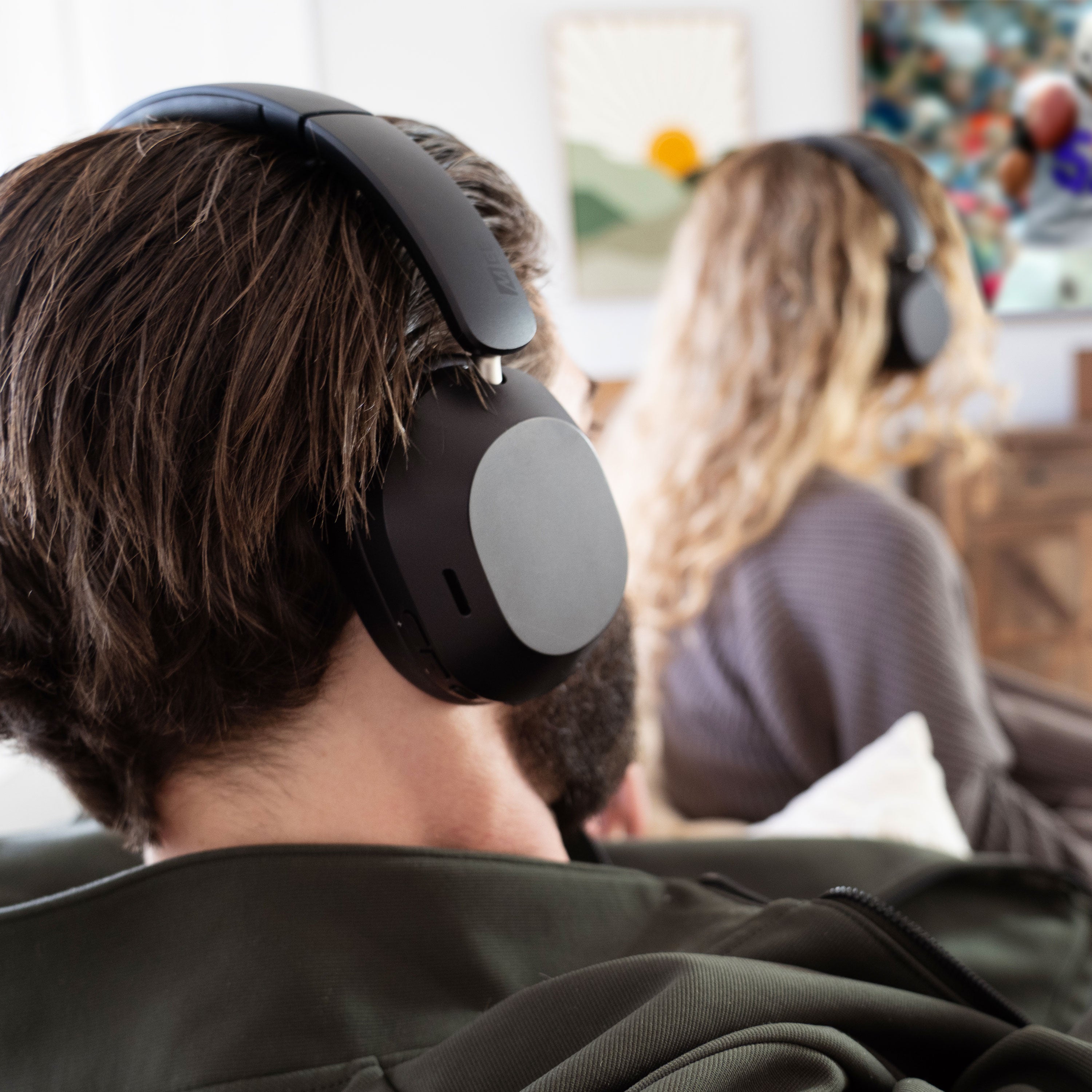
Universal TV Compatibility.
Connect audio transmitter adds compatibility with older TVs and legacy devices lacking built-in Bluetooth.
Even if your TV does have built-in Bluetooth, there are several reasons you may want to use an external Bluetooth transmitter instead:
- Use TV speakers and your headphones at the same time
- Use two headphones with one TV
- Use Bluetooth without having to go through TV menus
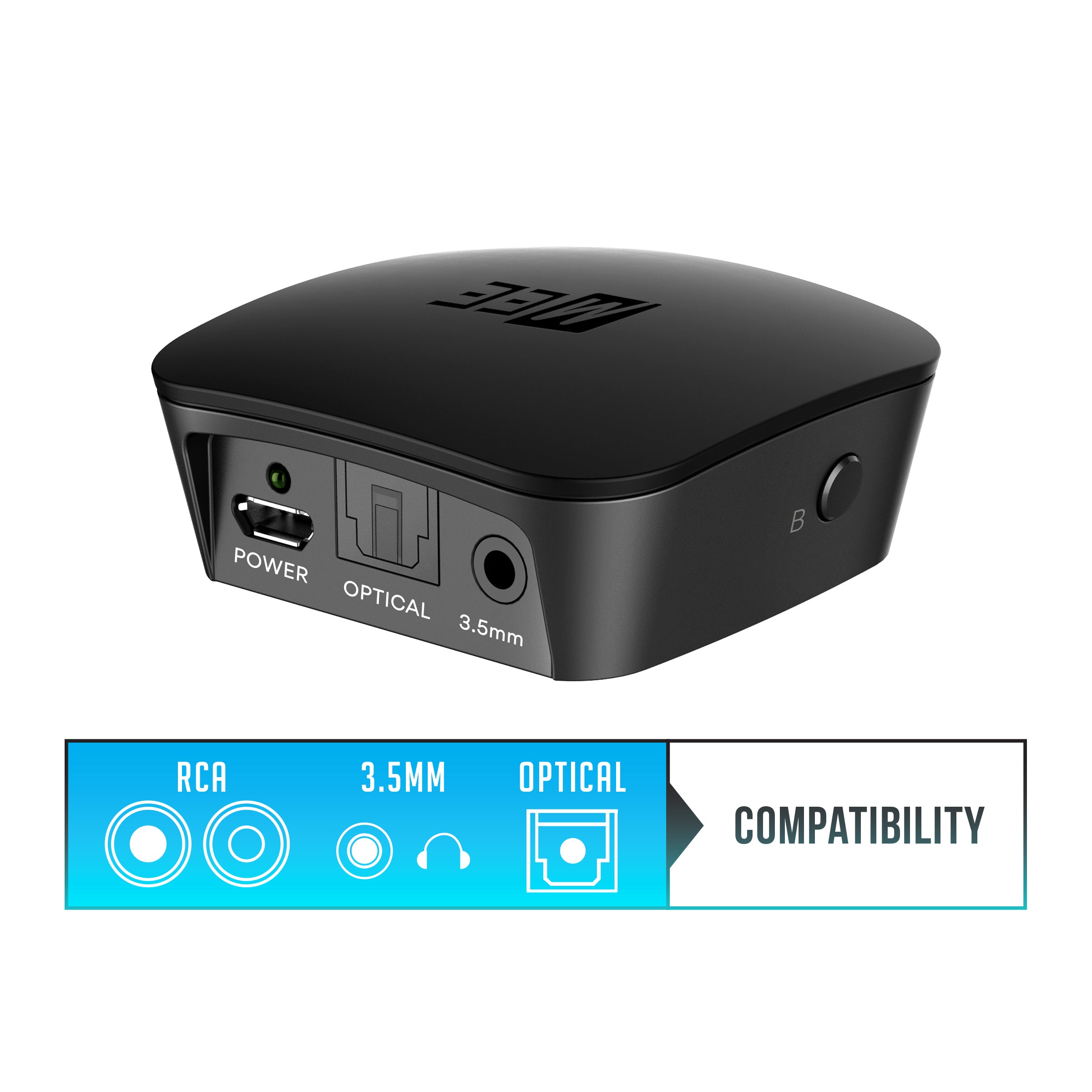
Connect Transmitter.
Digital & Analog Connectivity
The Connect offers both analog and digital audio inputs for the widest compatibility with old and new TVs, as well as any other devices.
Easily hook up any TV or other audio device that supports either digital optical, RCA, or 3.5mm audio output.
- All cables are included
Bluetooth Transmitter for Any 3.5mm Headphone/Audio Output
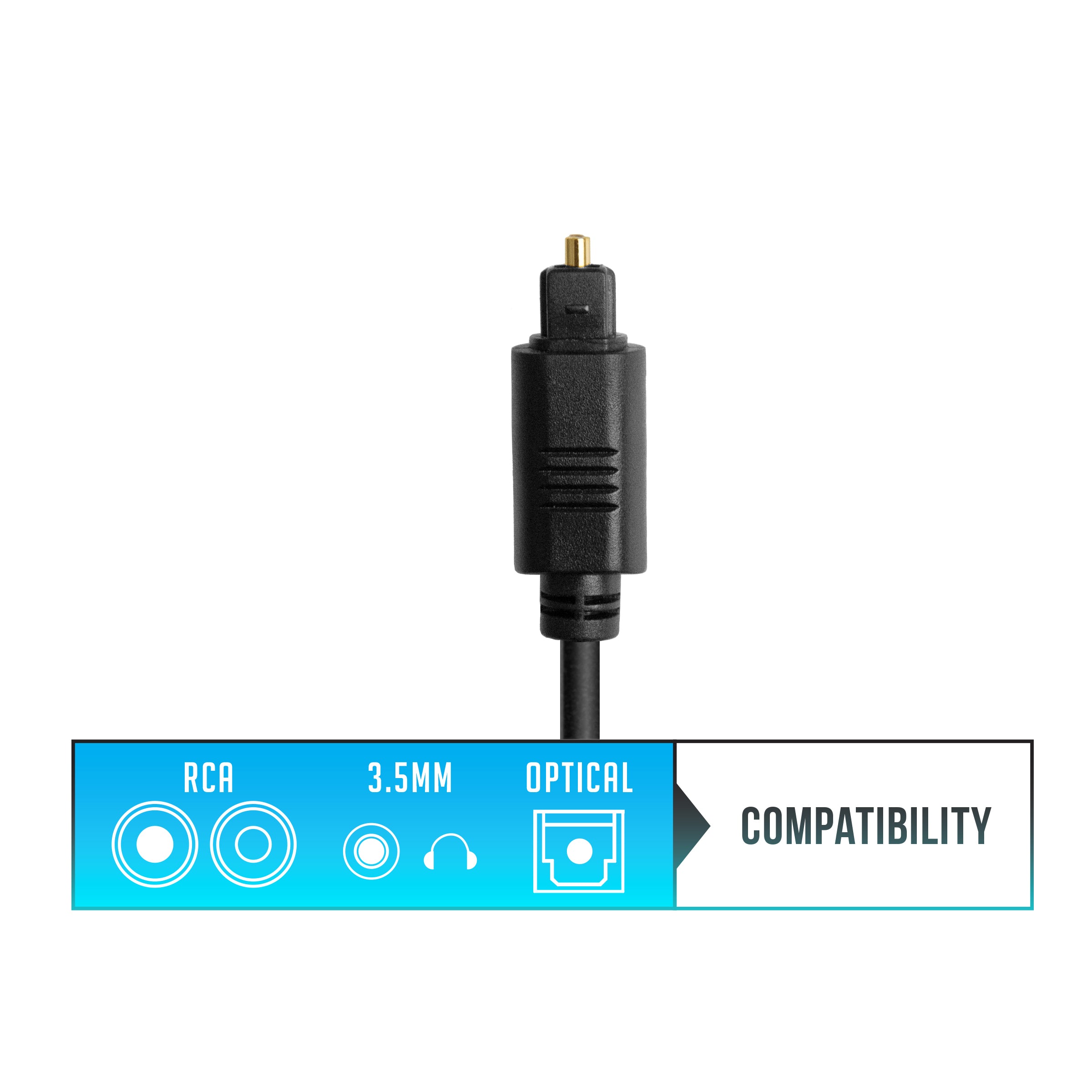
Option 1: Optical Toslink
Digital connectivity for newer TVs
You may need to change the "Audio Output Format" setting to PCM in your TV's audio settings menu
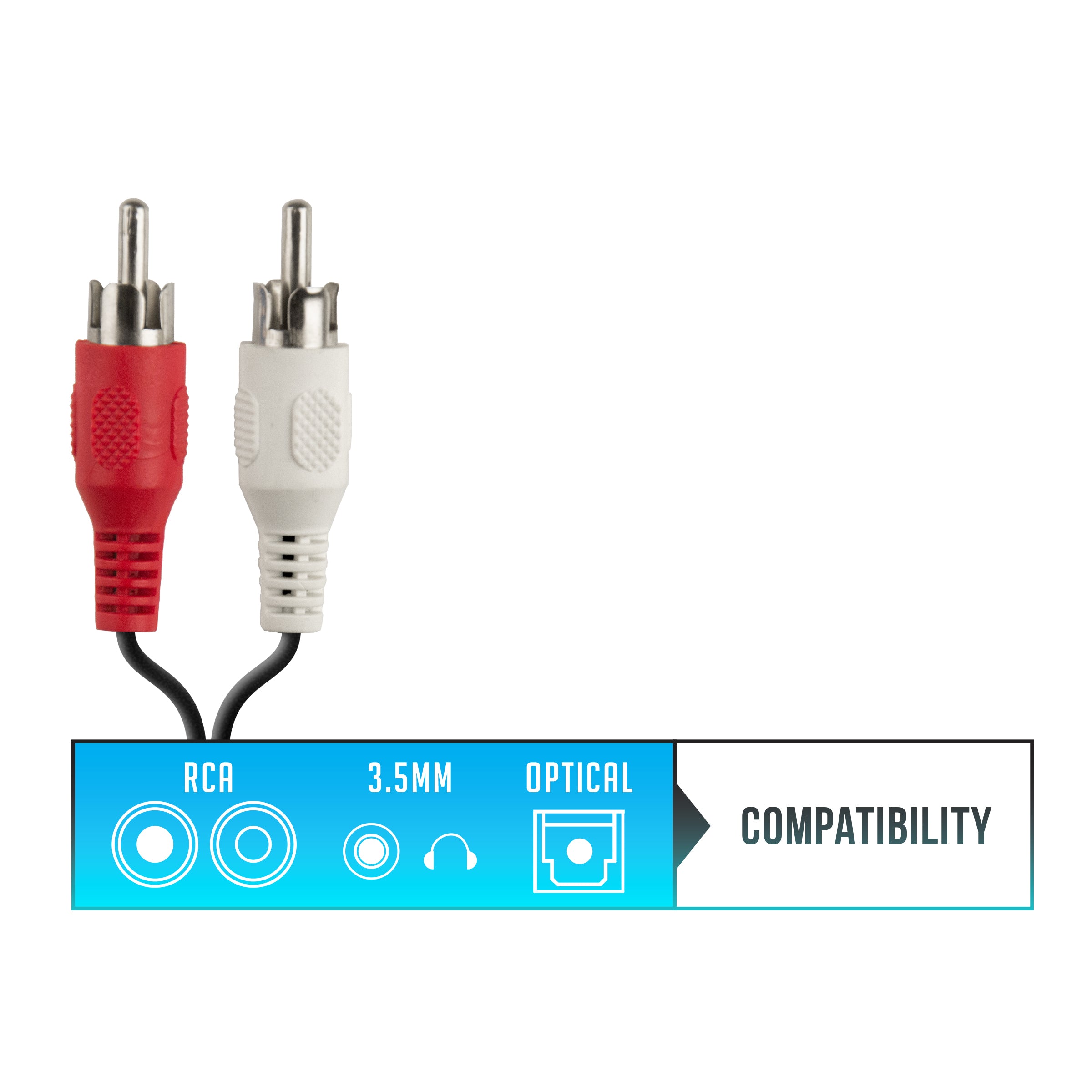
Option 2: RCA Audio Output
Analog connectivity for older TVs
Use only red/white plugs on your TV labeled "Audio Out" or "Output". Jacks labeled "AV IN", "Input", or "Component" will not work
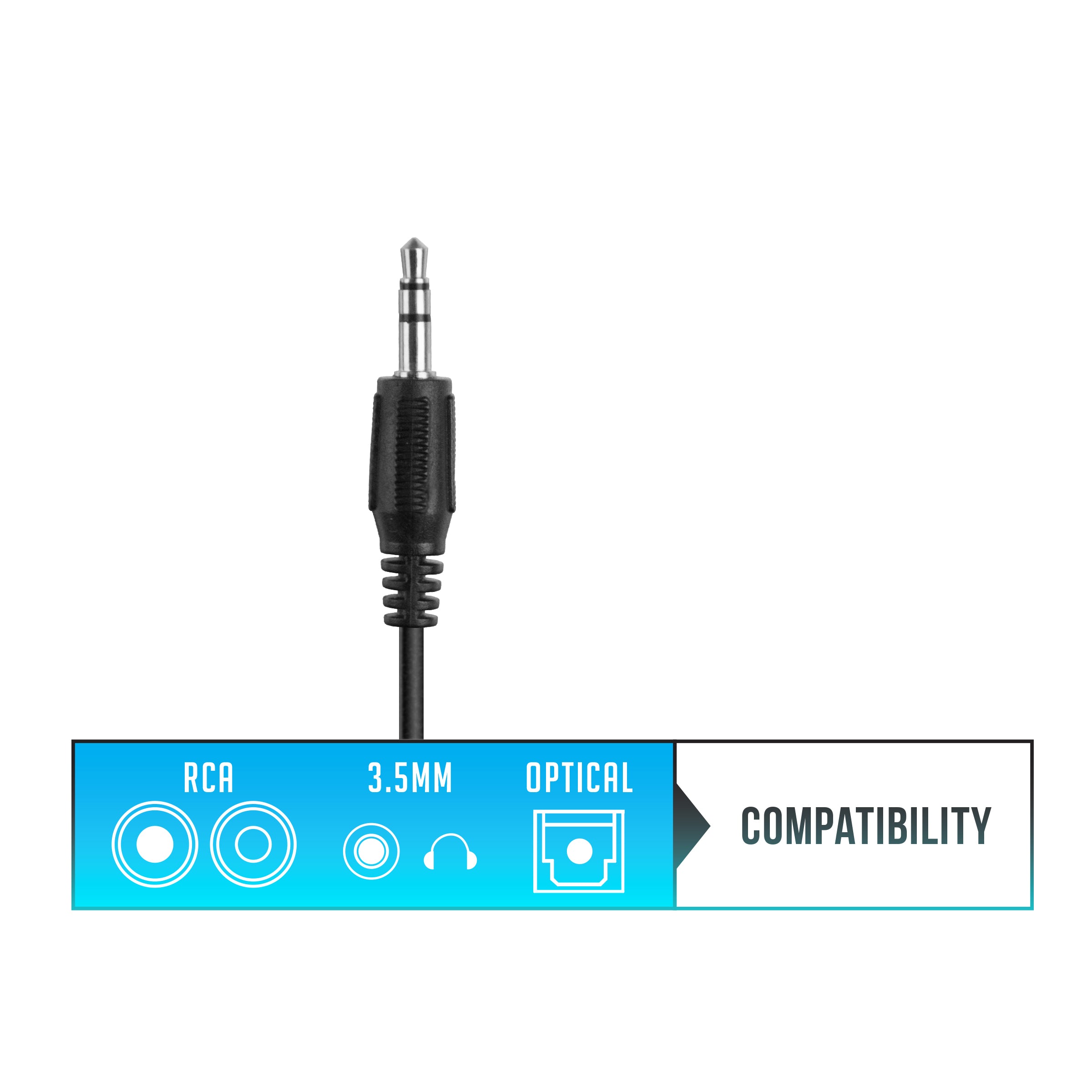
Option 3: 3.5mm Headphone Jack
Easiest connection method for all devices
Use with any jack labeled "Headphone", "Audio Out", or with a headphone symbol
Dual-Headphone Support
Stream audio to up to two Bluetooth headphones simultaneously.
Volume levels for each connected device can be adjusted independently, allowing each listener to turn the volume as loud as they like without bothering each other or those around them.
Additional Matrix Cinema 3D headphones can be purchased separately.
Powered by Bluetooth.
With Bluetooth wireless technology, the Connect transmits clear, distortion-free digital audio to Bluetooth headphones, speakers, and other receivers up to 30 feet away. There is no white noise, no need to “tune” for the right frequency, and no way for a stranger to listen in on your audio stream simply by having similar headphones.
How It Works.
- Plug the USB power cable to a power source (TV or wall adapter) and to the Connect transmitter
- Turn on the Connect
- Turn on the Cinema 3D headphones
- Headphones will automatically pair to the transmitter
- Choose ONLY ONE audio cable supported by your TV
- Plug the audio cable into the Connect transmitter and into the TV
- Use the volume control on your headphones to adjust volume
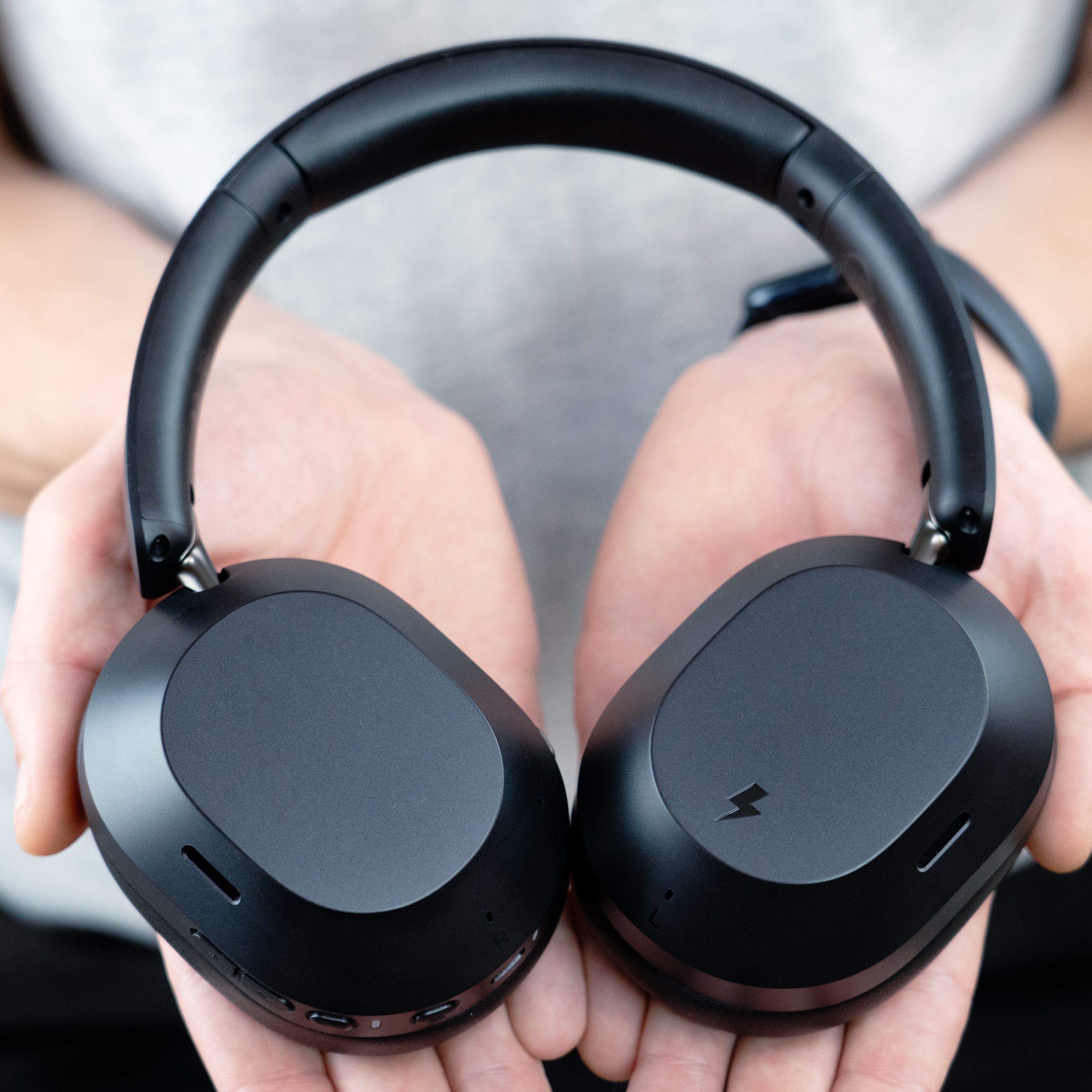
The Cinema 3D blends cutting-edge technology with our most user-friendly design to date - simple for anyone to use, yet packed with advanced features and exceptional flexibility for power users.
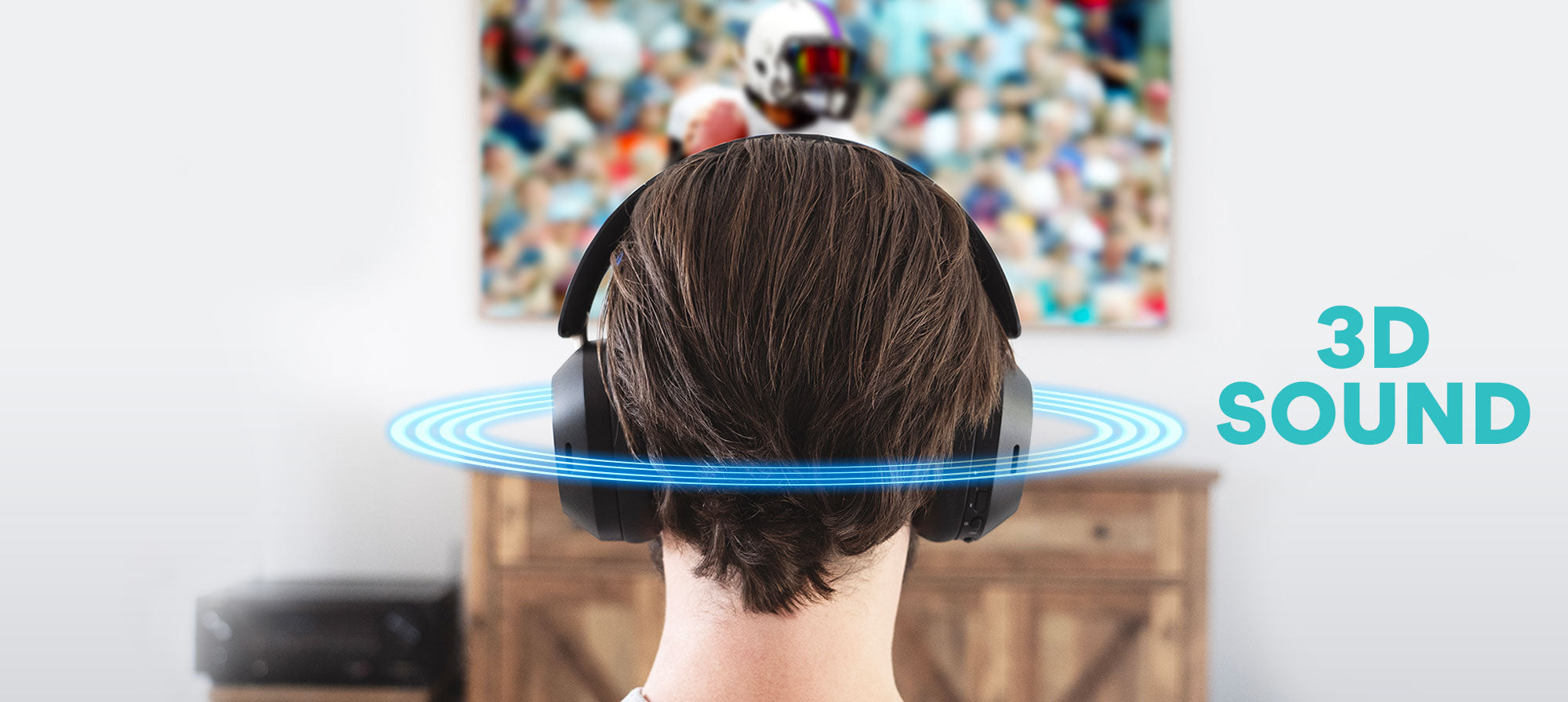
Experience spatial audio that reacts to your head movements in real time, creating an immersive experience that feels like the sound is coming from all around you, rather than just from your headphones.
With 3D Sound enabled, sound moves naturally as you turn your head, increasing immersion and making it feel less like you’re wearing headphones
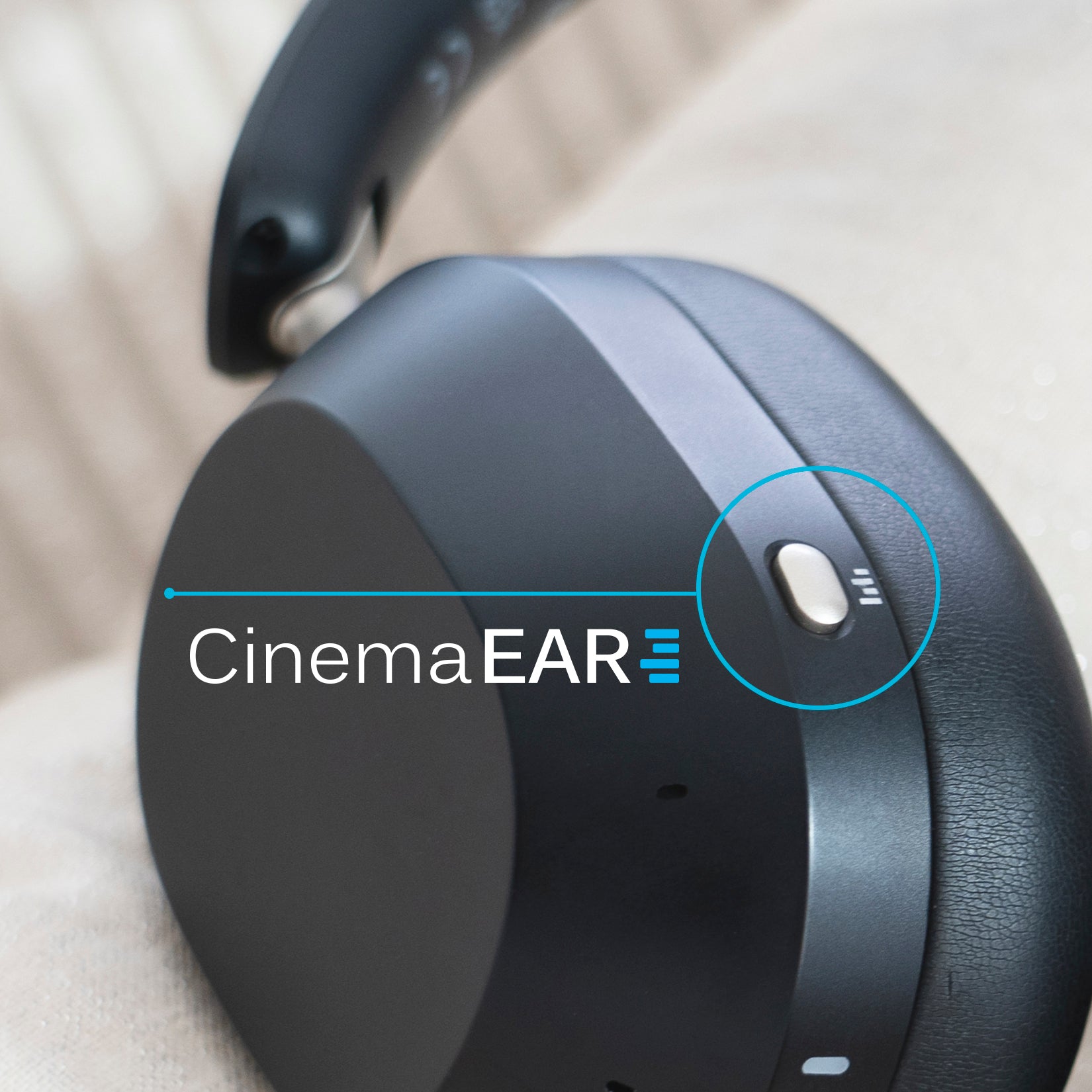
Introducing CinemaEAR.
CinemaEAR is an audio enhancement feature that lets you switch between four different sound profiles at the touch of a button to optimize your listening experience.
Use the dedicated CinemaEAR button to instantly switch between audio modes for clearer dialogue, deeper bass, or balanced sound

Clear Voice Mode
Boosts speech clarity to make dialogue in movies and TV shows easier to hear over background sounds.

Clear Voice Plus Mode
Offers an alternative enhancement that may provide greater speech clarity and intelligibility for certain listeners.

Dynamic Music Mode
Enhances bass and treble for a more vibrant and engaging music experience.

Bass Boost Mode
Increases bass response and depth for more impact and immersion in both movies and music.
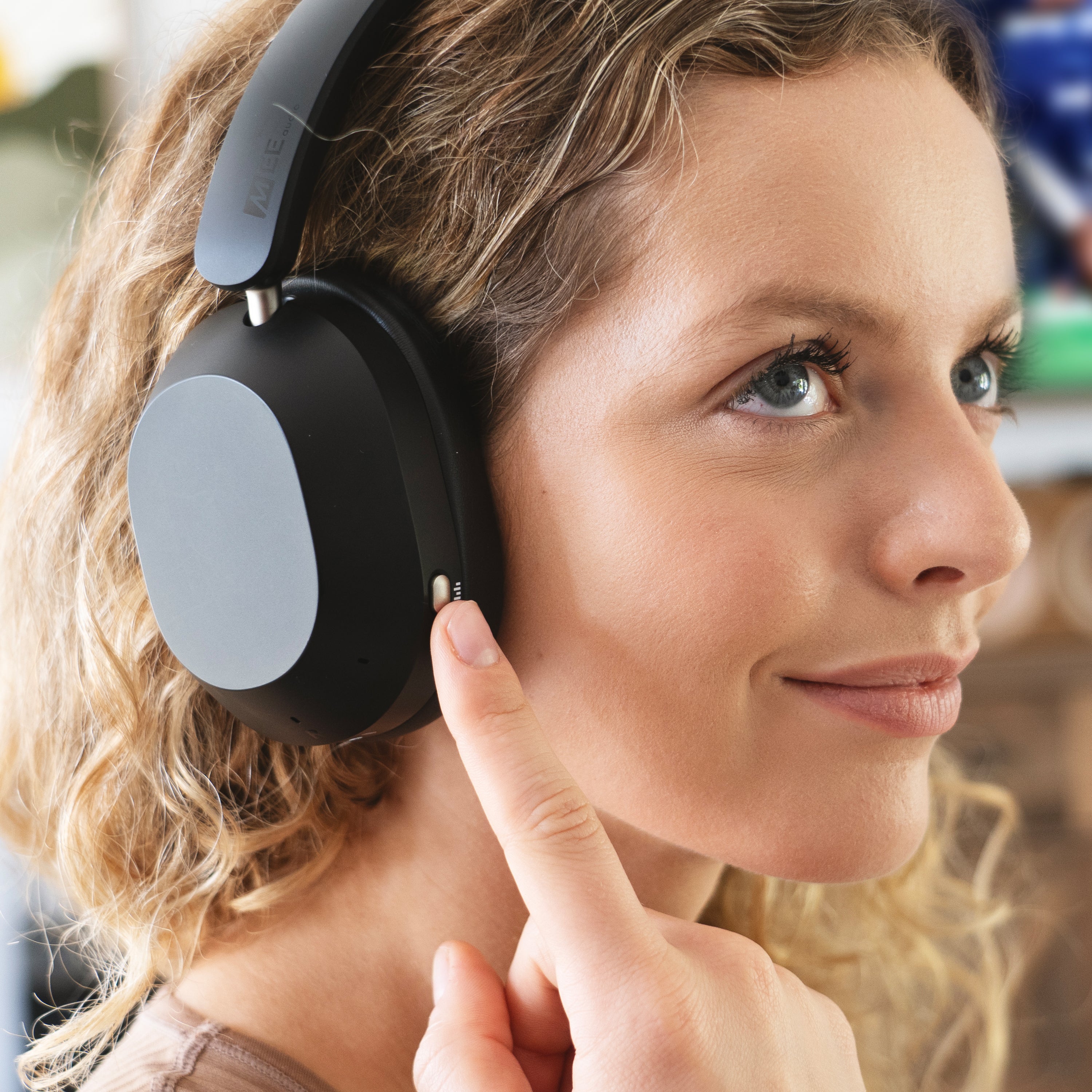
Hear Your TV Better.
Two Clear Voice modes enhance speech clarity by pushing dialogue to the front of the audio mix, making it easier to hear even at lower volumes.
Activate powerful hybrid ANC to block external noise, or switch to transparency mode for improved awareness of your surroundings.
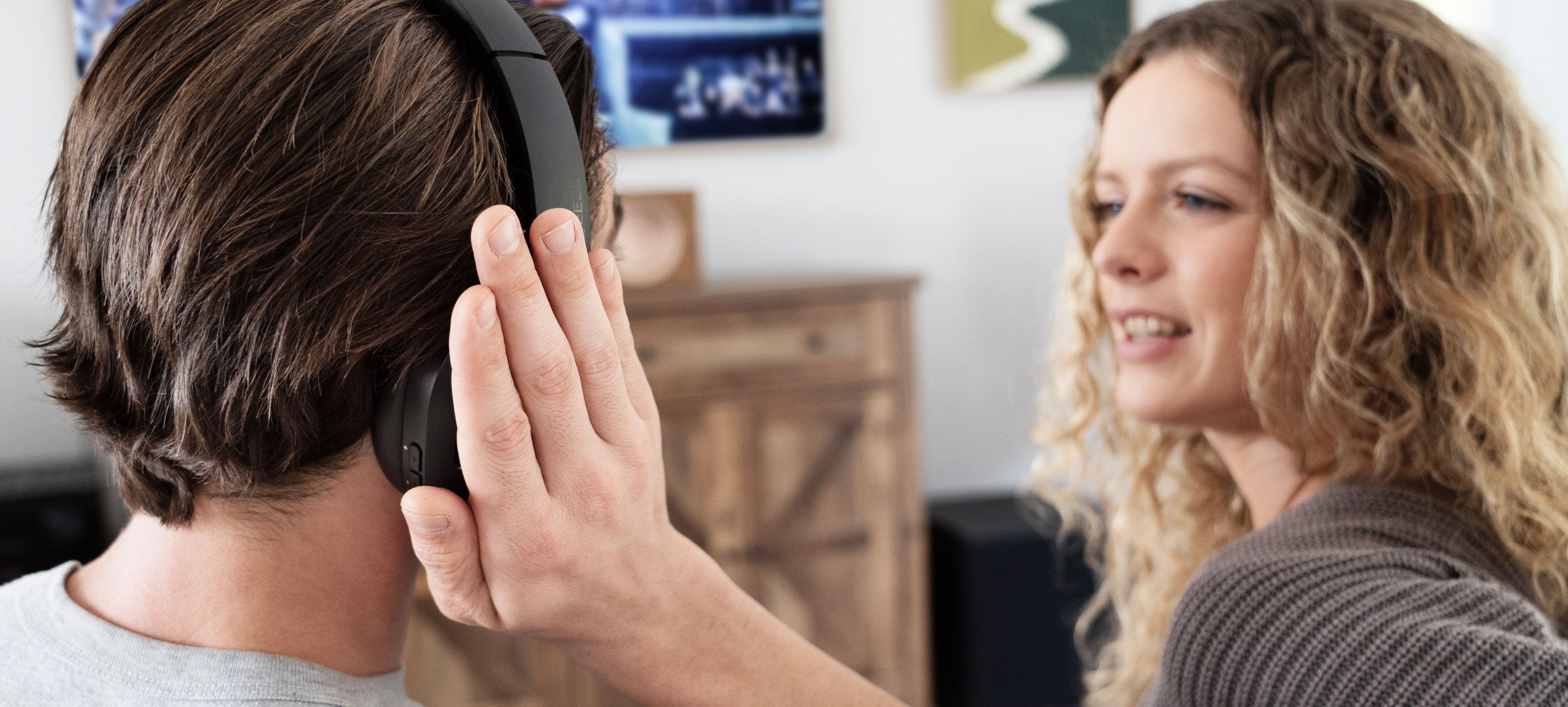
Cover the touch panel firmly with your palm to temporarily mute the audio and activate Transparency mode - perfect for quick chats without taking off your headphones.
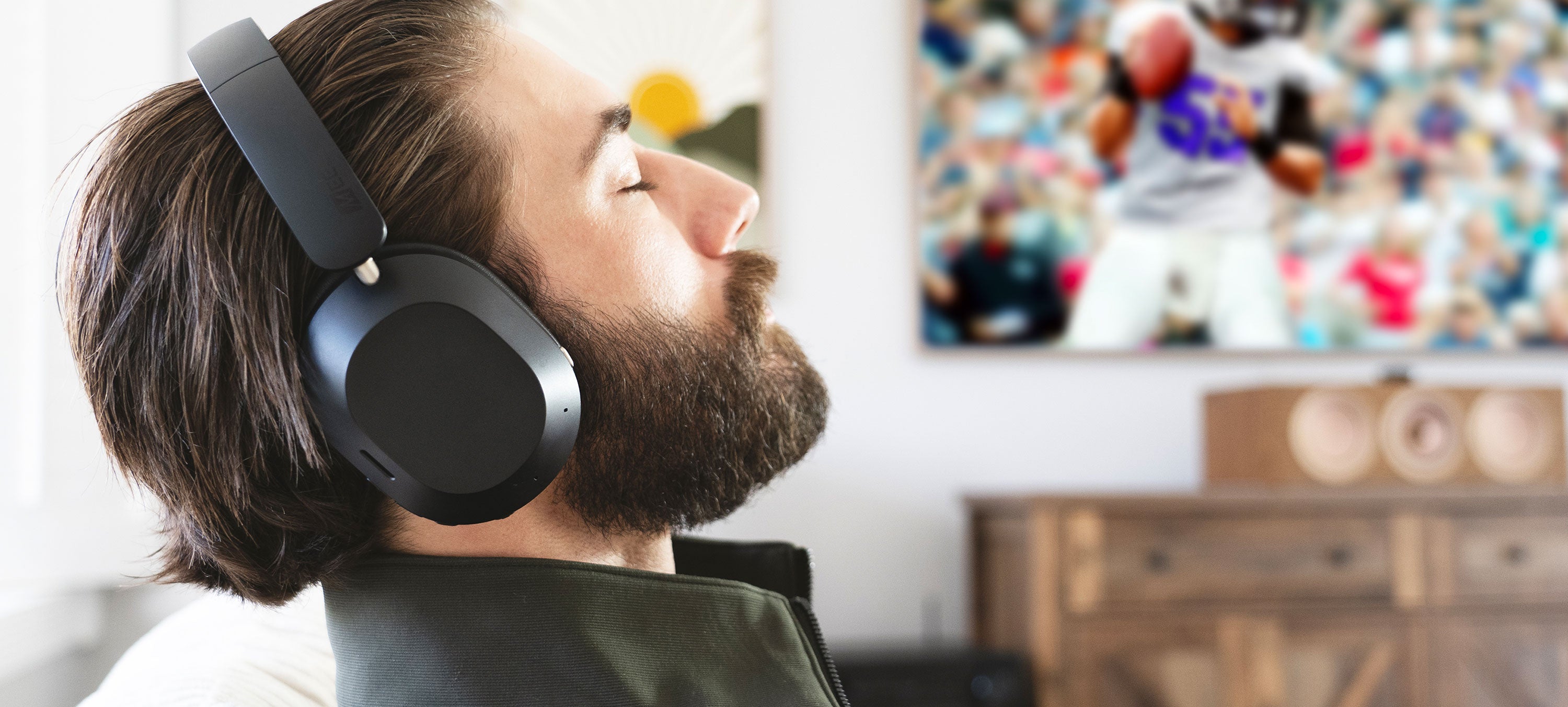
Low-Latency Audio
Qualcomm aptX Adaptive technology minimizes wireless audio delay, improving lip-syncing in movies and TV shows with compatible devices.
CD-Quality Wireless Sound
For music listening, the Cinema 3D supports LDAC, aptX HD, and aptX Lossless to maximize audio quality over Bluetooth, as well as LE audio with LC3.
Next-Gen Bluetooth Connectivity
Supports both traditional Bluetooth and Bluetooth Auracast with LE audio for broader compatibility.
Lifestyle Features.
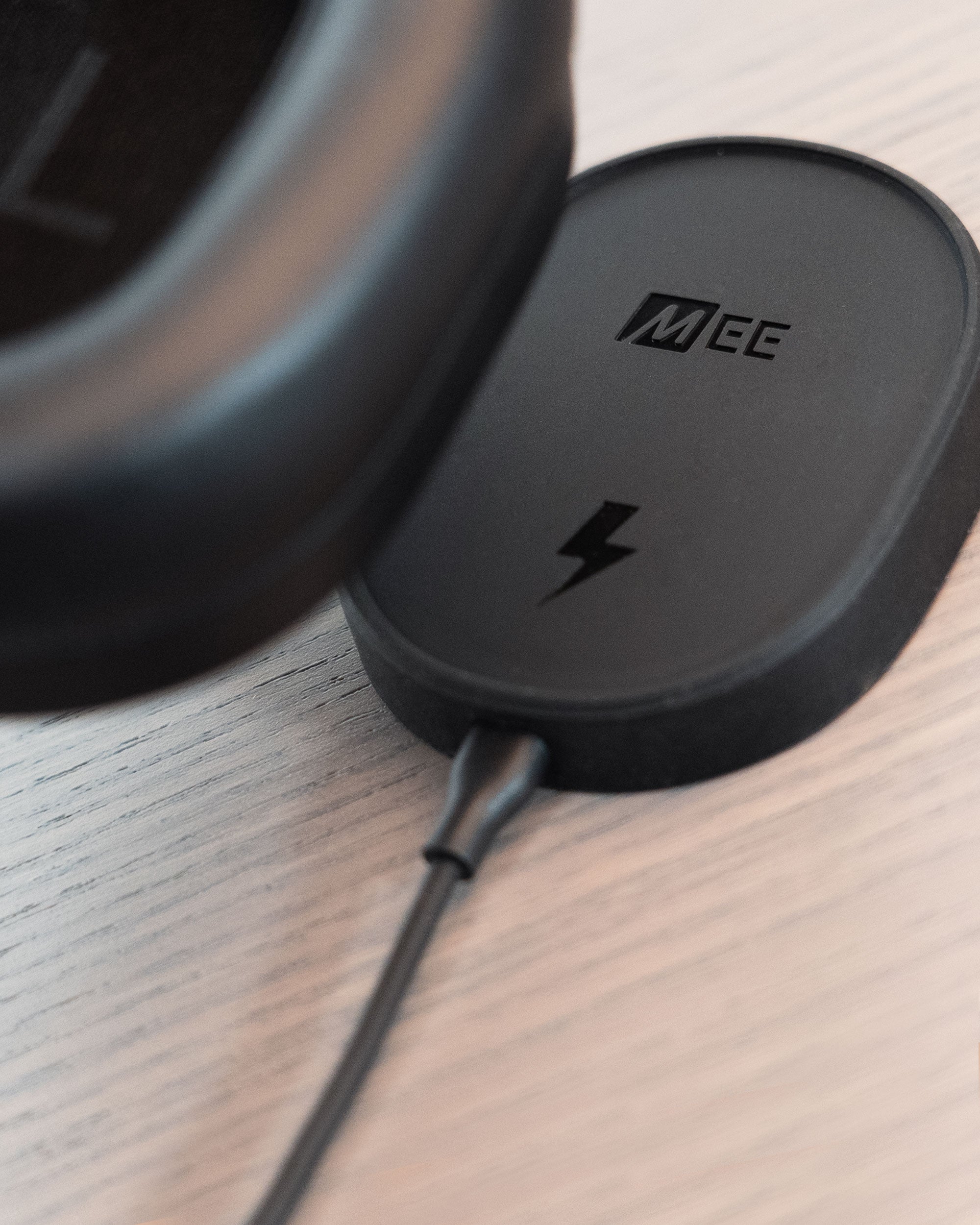
Wireless Charging Pad Included
Magnetic wireless charging pad eliminates the need to plug cables into the headphones for charging and doubles as a smart on/off switch, streamlining operation for maximum convenience and accessibility.
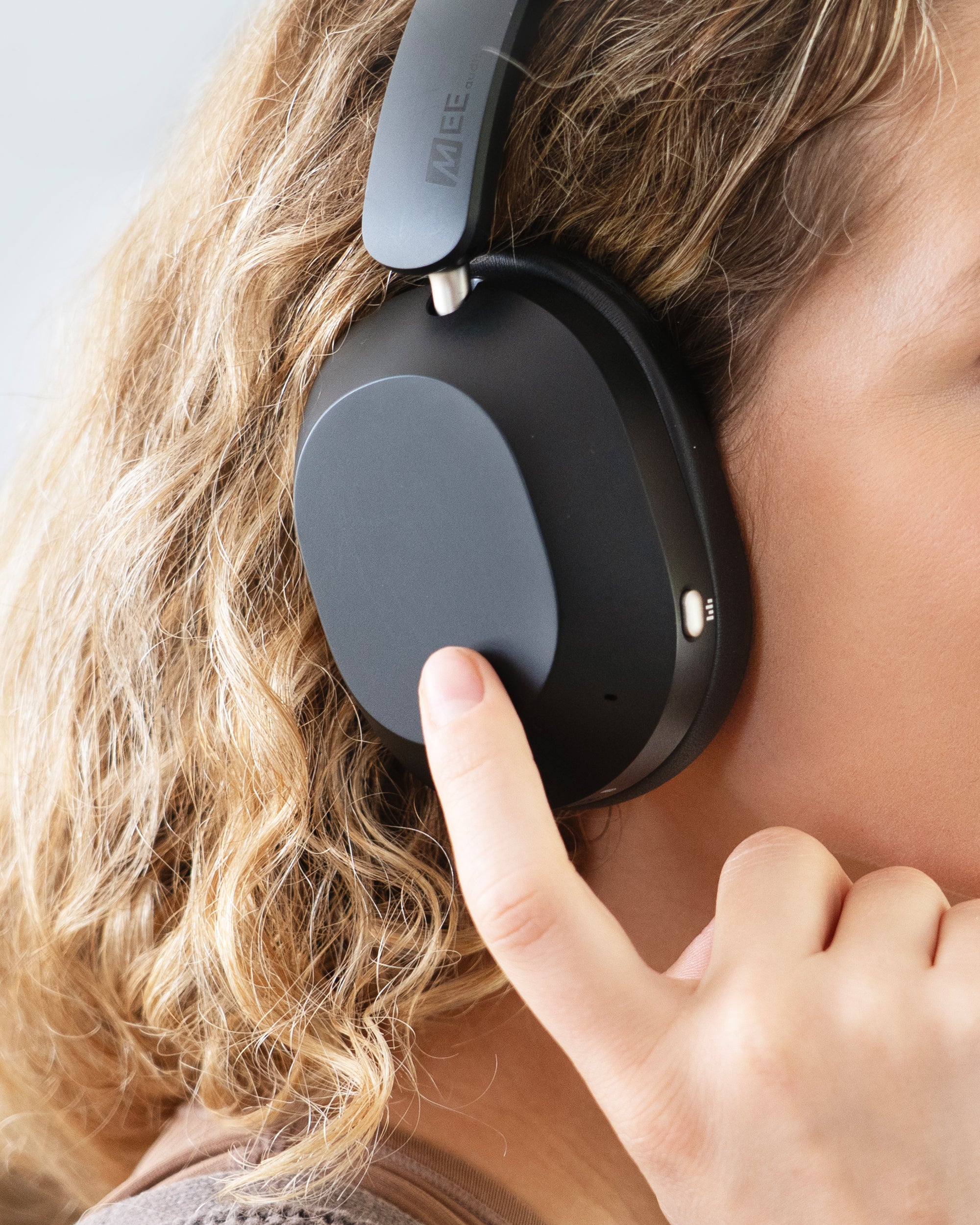
Built-In Touch Control Panel
Effortlessly manage the spatial audio feature, media playback, volume, and calls with intuitive touch gestures on the right earcup.

Dual Control Options
Choose between a touch pad and physical buttons - use the controls that match your preferences and accessibility needs.
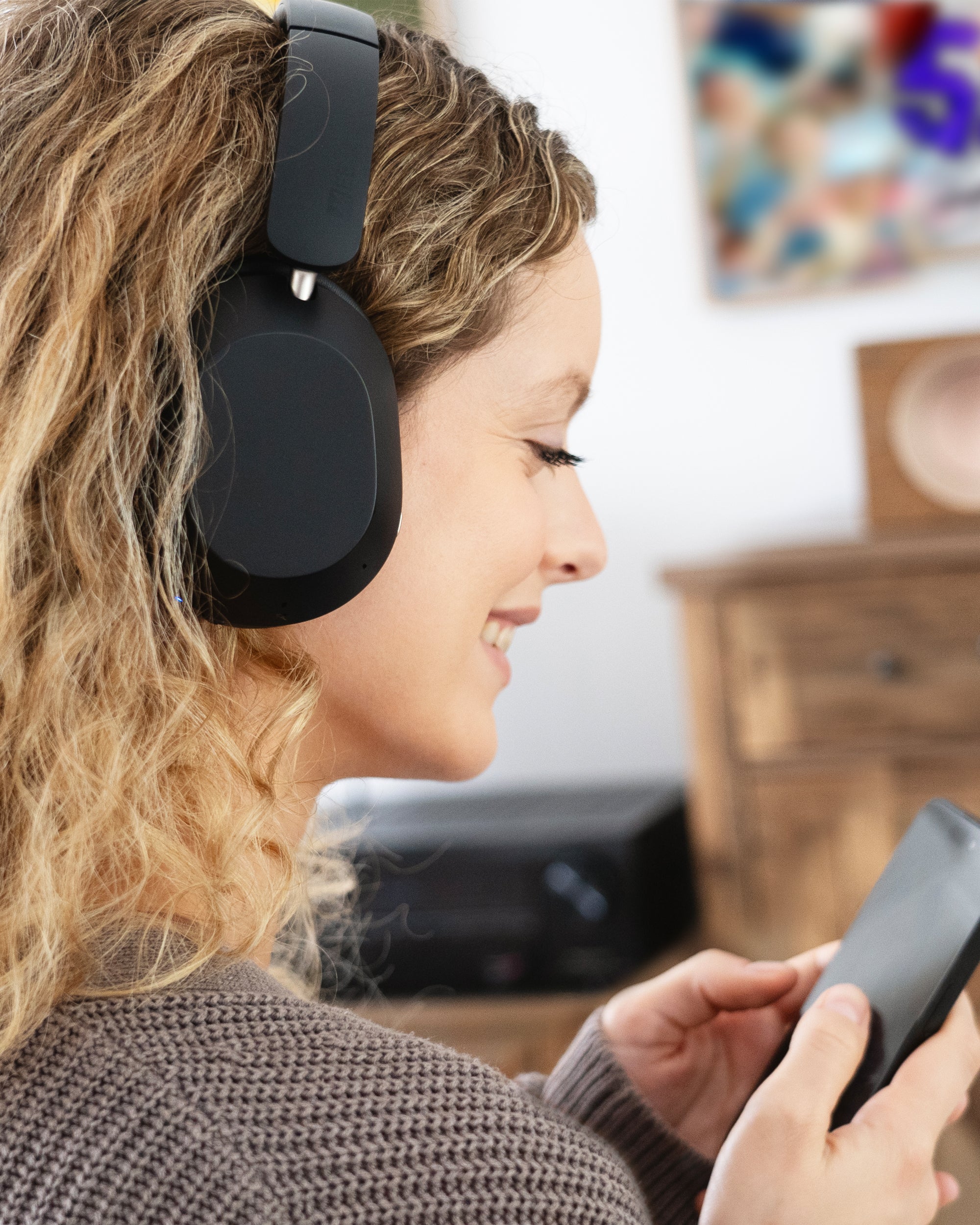
Built-in Headset
Integrated microphone and controls let you take calls and control music playback with phones and other compatible devices.
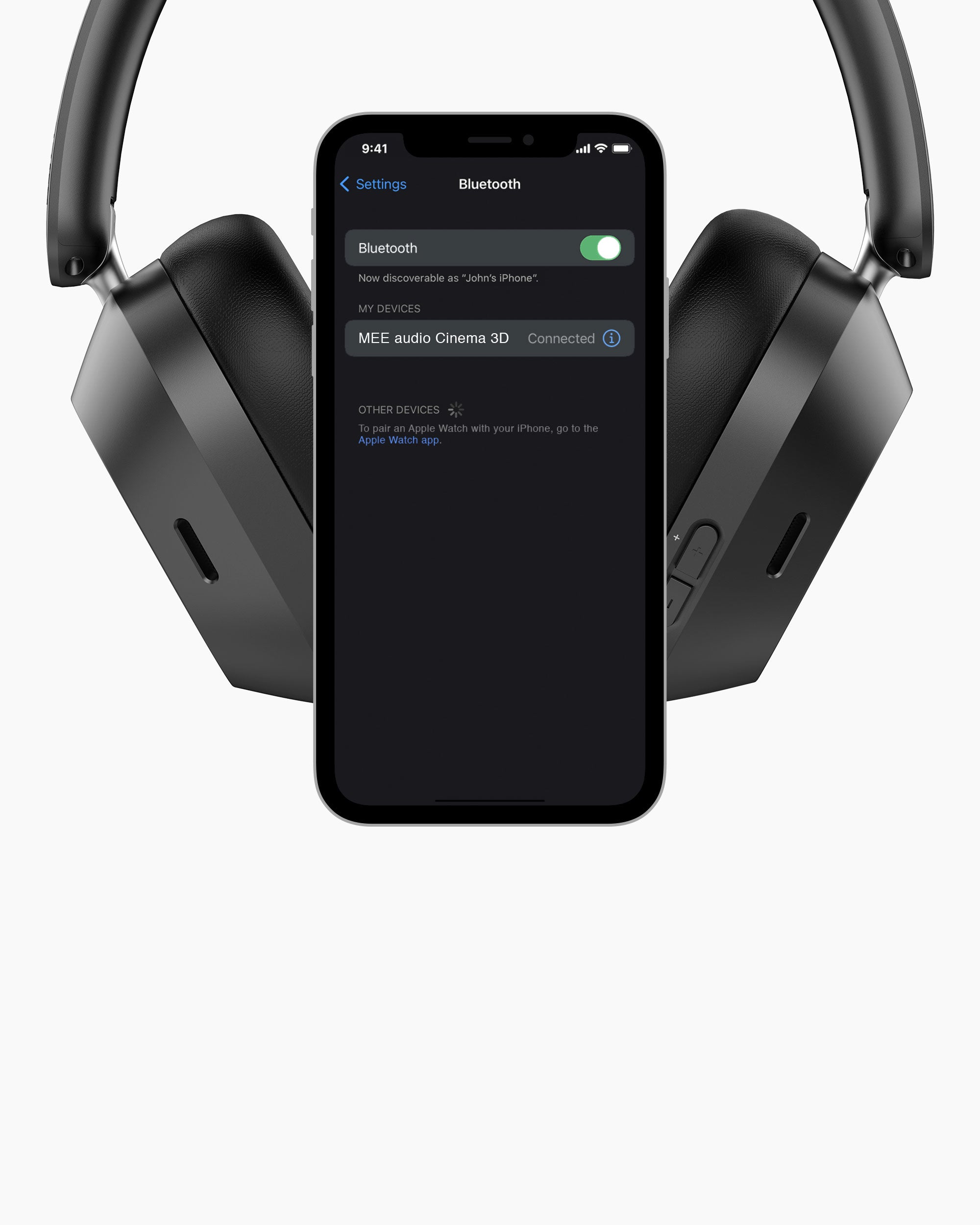
Bluetooth Multipoint
Stay connected to two Bluetooth devices - such as your TV and phone - and watch your favorite shows without missing important calls.

All-day Comfort
Over-ear fit and ultra-soft memory foam pads provide all-day comfort, reduce outside noise, and keep others from hearing your media.
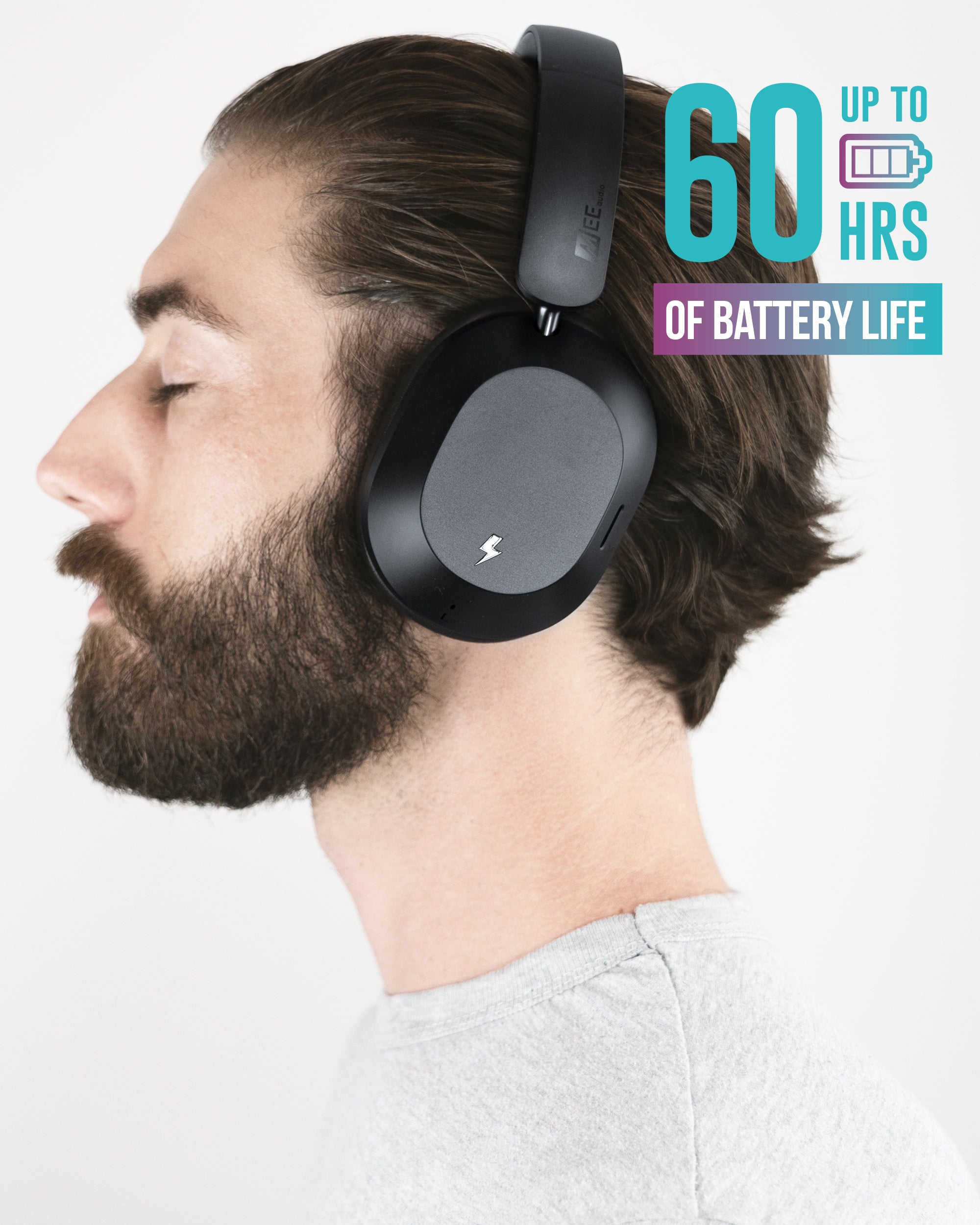
Extended Battery Life
Battery life (ANC Off): up to 60 hours
Battery life (ANC On): up to 35 hours

Wired Audio with USB-C
Out of power or using a device without Bluetooth? Simply plug in the included USB-C cable and use the Cinema 3D as a wired headphone - you can even choose whether it charges while in use.
Tech Specs
Matrix Cinema 3D - Technical Specifications
Driver Type
– Moving coil (dynamic)
Driver Size
– 40 mm
Frequency Response
– 20 Hz to 20 kHz
Connection Options
– Bluetooth, Auracast, USB-C
Control Options
– Tactile buttons, touch control panel
Active Noise Canceling (ANC)
– Hybrid, 4 microphones
Transparency Mode
– Yes
Spatial Audio
– Yes, with head tracking
Matrix Cinema 3D - Bluetooth Specifications
Bluetooth Version
– Bluetooth 5.4
Operating Range
– up to 30 ft (10 m)
Bluetooth Codecs
– SBC, LC3, Sony LDAC, Qualcomm® aptX™, Qualcomm® aptX™ Low Latency, Qualcomm® aptX™ Adaptive, Qualcomm® aptX™ Lossless
Multipoint Supported
– Yes
Matrix Cinema 3D - Battery Specifications
Battery Type
– Built-in rechargeable li-ion battery
Battery Capacity
– 600 mAh
Battery Life (ANC Off)
– Up to 60 hours
Battery Life (ANC On)
– Up to 35 hours
Charging Time
– 2.5 hours
Charging Connector
– USB-C, wireless charging supported
Wireless Charging Pad
– Included, USB-A connector
Matrix Cinema 3D - Product Details
Ear Coupling
– Circumaural (over-ear)
Cable Connector
– USB-C
Charging Cable Length
– 45 in (114 cm)
Weight (with Box)
– 25.7 oz (730 g)
Weight (Net)
– 9.5 oz (270 g)
Dimensions (Box)
– 9.9 x 9.2 x 2.7 in (25 x 23.25 x 6.75 cm)
Dimensions (Unit)
– 8 x 7.5 x 2 in (20 x 19 x 5 cm)
Connect Transmitter Specifications
Audio Inputs
– 3.5 mm; optical TOSLINK
Audio Codecs Supported Latency
– SBC, Qualcomm® aptX™, Qualcomm® aptX™ Low Latency, Qualcomm® aptX™ Adaptive
Battery Type
– Built-in rechargeable li-ion battery
Battery Capacity
– 200 mAh
Battery Life
– 12 hours (1 headphones) / 9 hours (2 headphones)
Charging Time
– 1.5 hours
Number of Headphones Supported
– 1 to 2
Dimensions
– 2.2 x 2.2 x 1 inches (5.5 x 5.5 x 2.5 cm)
Weight
– 1.1 oz (31 g)
Support
T1CMA3D Product Manual
For additional information on troubleshooting, pairing, connecting, maintenance, and more please refer to the T1CMA3D user manual, available in two formats:
- T1CMA3D User Manual – Accessible HTML version
- T1CMA3D User Manual – Original PDF version (opens in new tab) - To save it to your computer, right click the link and select "Save Link As...".
Connect Product Manual
For additional information on troubleshooting, pairing, connecting, maintenance, and more please refer to the Connect user manual, available in two formats:
- Connect User Manual – Accessible HTML version
- Connect User Manual – Original PDF version (opens in new tab). To save it to your computer, right click the link and select "Save Link As...".
Matrix Cinema 3D Product Manual
For additional information on troubleshooting, pairing, connecting, maintenance, and more please refer to the Matrix Cinema 3D user manual, available in two formats:
- Cinema 3D User Manual – Accessible HTML version
- Cinema 3D User Manual – Original PDF version (opens in new tab). To save it to your computer, right click the link and select "Save Link As...".
Included in the Box

Matrix Cinema 3D Headphones

Charging Pad

USB-C Charging / Audio Cable

Connect Transmitter

Digital Optical S/PDIF Audio Cable

3.5 mm Audio Cable

RCA Audio Cable
Micro-USB Power Cable

Quick Start Guide


Features
| Category | Feature | Connect + Cinema 3D Bundle (Model: T1CMA3D) |
Connect + Matrix Cinema Bundle (Model: T1CMA) |
|---|---|---|---|
| Operation & UI | TV transmitter Included | Yes | Yes |
| Wireless Charging | Yes | No | |
| Charging Pad Included | Yes | No | |
| Button Controls | Yes | Yes | |
| Touch Controls | Yes | No | |
| Automatic Power On / Off | Yes | No | |
| Battery Life | Up to 60 hours | Up to 30 hours | |
| ANC | Active Noise Canceling | Yes | No |
| Ambient / Transparency Mode | Yes | No | |
| Audio Features | Spatial Audio w/Head Tracking | Yes | No |
| Qualcomm aptX technology | Yes | Yes | |
| LDAC Support | Yes | No | |
| Bluetooth Auracast Support | Yes | No | |
| EQ adjustment | CinemaEAR Audio Enhancement | CinemaEAR Audio Enhancement |
California Residents WARNING:
Cancer and Reproductive Harm - www.P65Warnings.ca.gov
For more information about this warning visit MEEaudio.com/prop65