




Below you will find pairing and instructional videos to help you get the most out of your product.
If you purchased the Matrix Cinema 3D TV Headphones + Connect Transmitter System for All TVs bundle, click the button below for its support guide.
For detailed information on troubleshooting, maintenance, and more; please refer to the user manual.
Click below to view the online manual in pdf format. To save it to your computer, right click the link and select "Save Link As...".
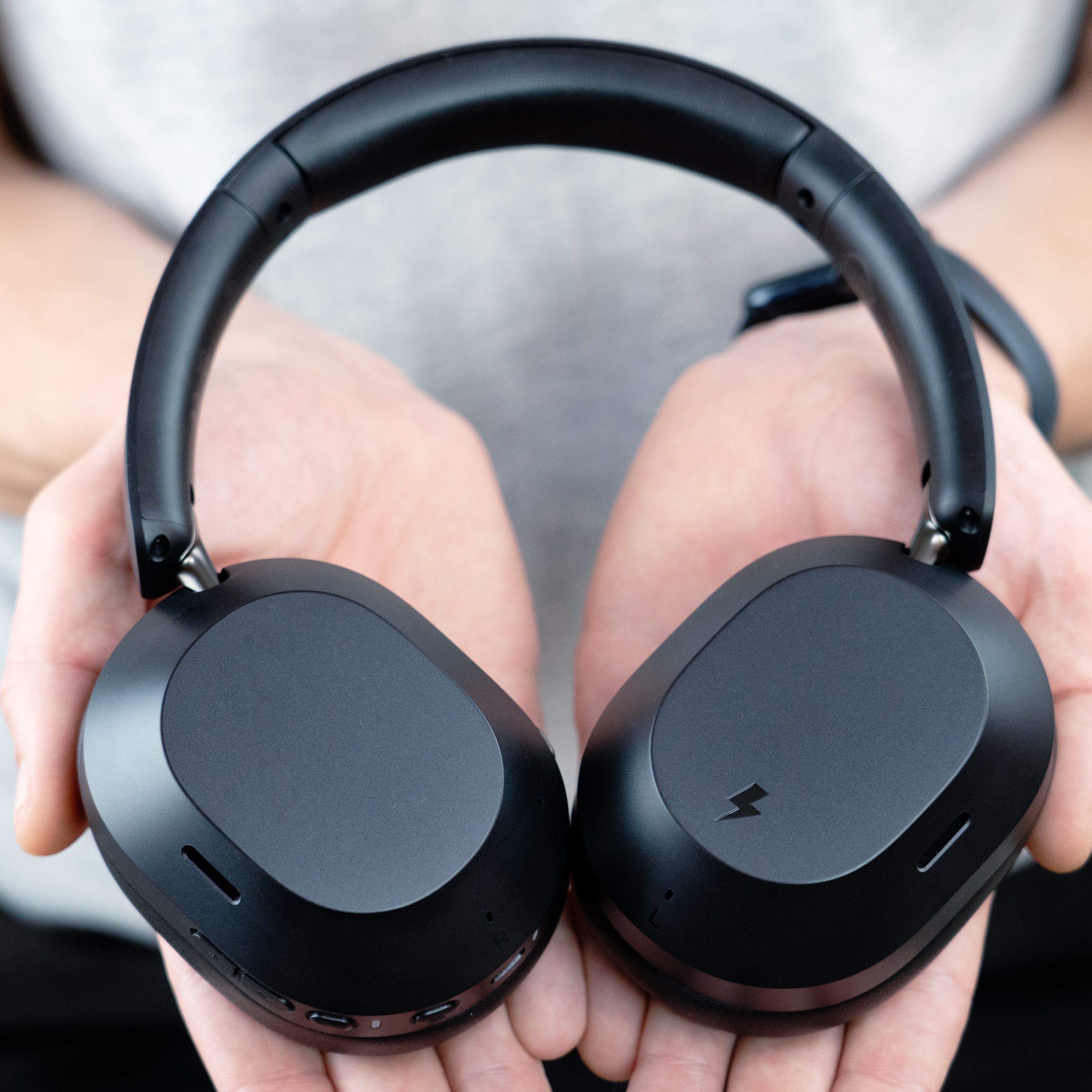
Matrix Cinema 3D
Cinema 3D General Questions
| Question: | Can I use the MEE audio Cinema 3D headphones with a phone or tablet? |
| Answer: | Yes, the Cinema 3D headphones can be used with any Bluetooth-enabled device including your phone or tablet! Just pair them through your device's Bluetooth settings as you would with any Bluetooth headset. |
| Question: | How do I connect my MEE audio Cinema 3D headphones to a Bluetooth-enabled TV, computer, phone, tablet, or other device? |
| Answer: | Power on your Cinema 3D headphones, then press and hold the VOL+ and VOL- buttons simultaneously to enter pairing mode. Once in pairing mode, open the Bluetooth pairing menu on your device and select "MEE audio Cinema 3D". |
| Question: | How do I connect my Cinema 3D headphones to an Auracast device? |
| Answer: | To use Auracast, first connect your Cinema 3D headphones to an Auracast-enabled phone or tablet via Bluetooth, then use your phone’s Auracast menu to find and join the desired broadcast. |
| Question: | Will I experience audio lag / latency when watching TV with my Cinema 3D headphones? |
| Answer: | No - most TVs, phones, and tablets will slow down the video slightly to match the audio when a Bluetooth headphone is connected in order to avoid lag. You can also minimize lag by using an aptX or aptX Adaptive-enabled Bluetooth transmitter instead. |
| Question: | Can others still hear my TV / Can I use my TV speakers while I have Cinema 3D headphones connected? |
| Answer: | Most TVs mute their speakers when Bluetooth headphones are connected. To avoid this, plug a Bluetooth transmitter like the MEE audio Connect into your TV’s optical (TOSLINK) output to use Bluetooth headphones and the TV speakers at the same time. |