

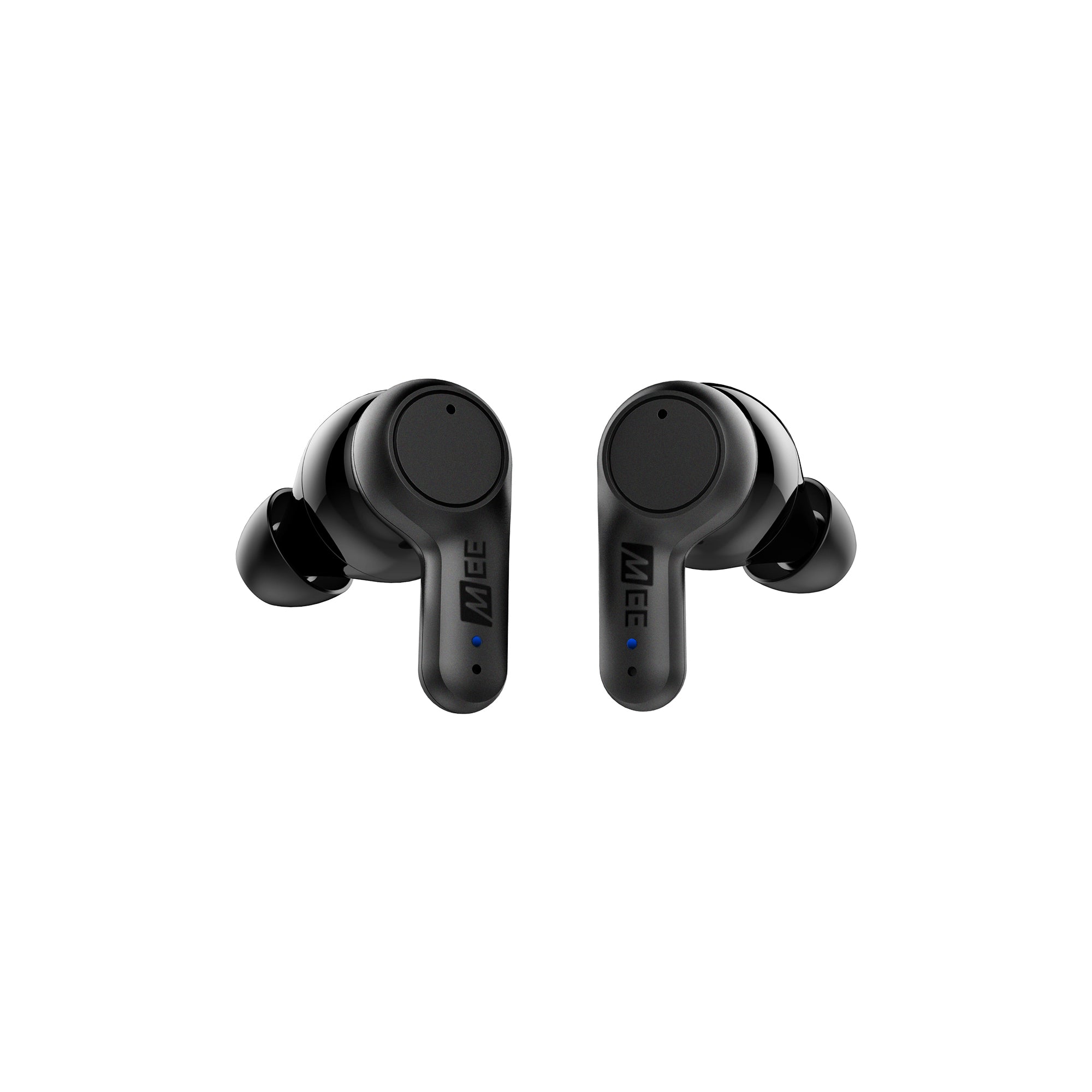
 Replacement parts for X20 (both Earbuds)
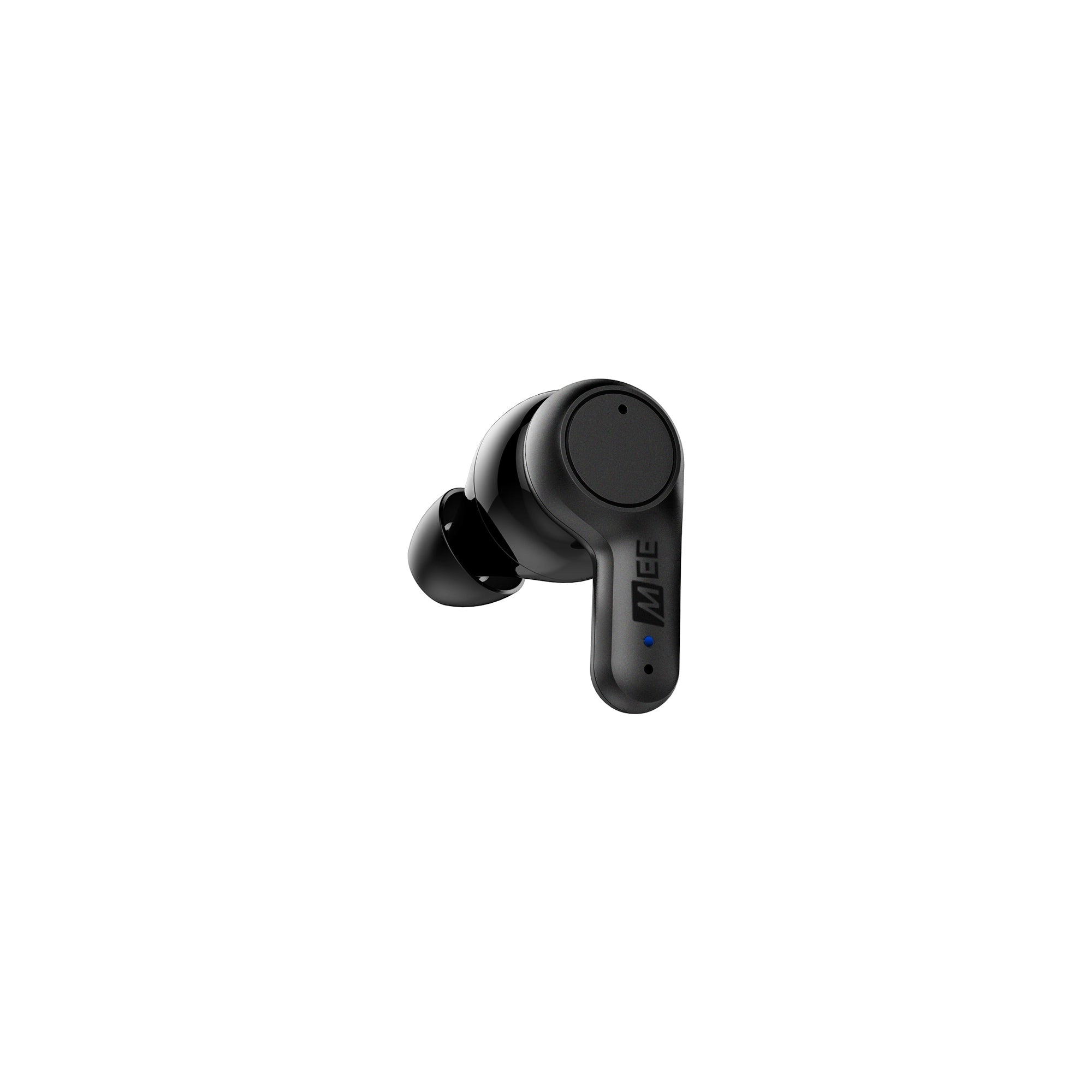 Replacement parts for X20 (left Earbud)
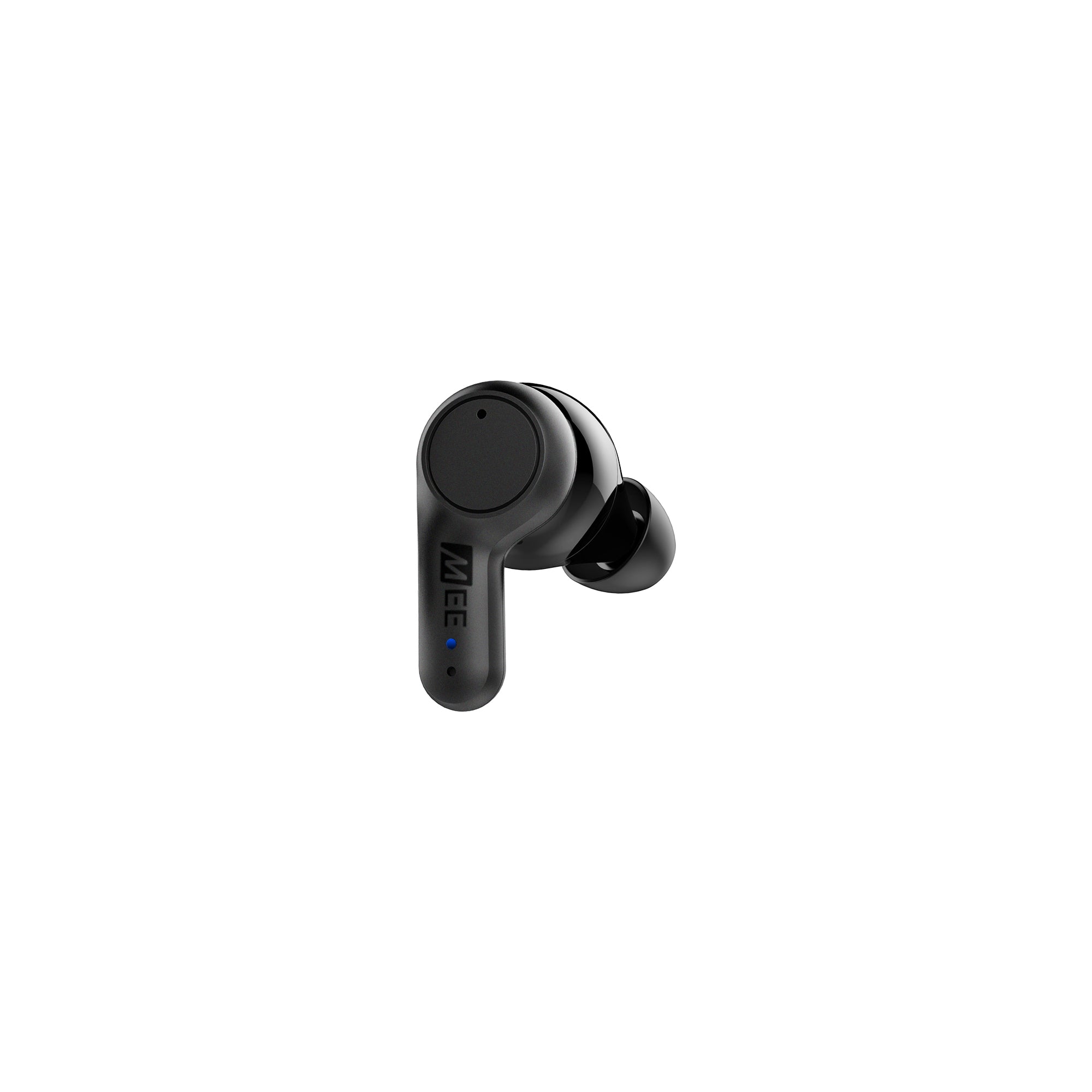 Replacement parts for X20 (Right Earbud)
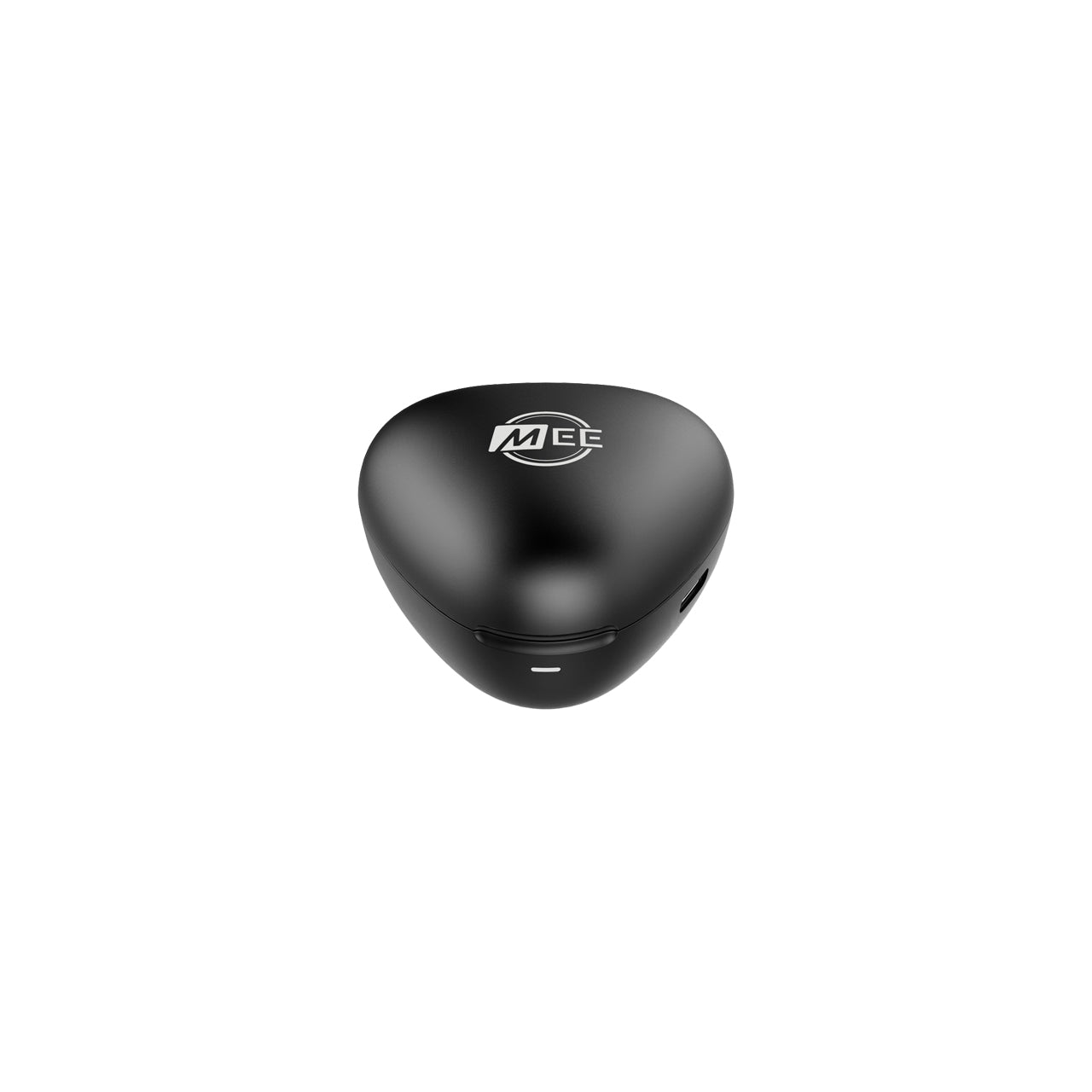 Replacement Charging Case for X20 Truly Wireless Sports Earphones
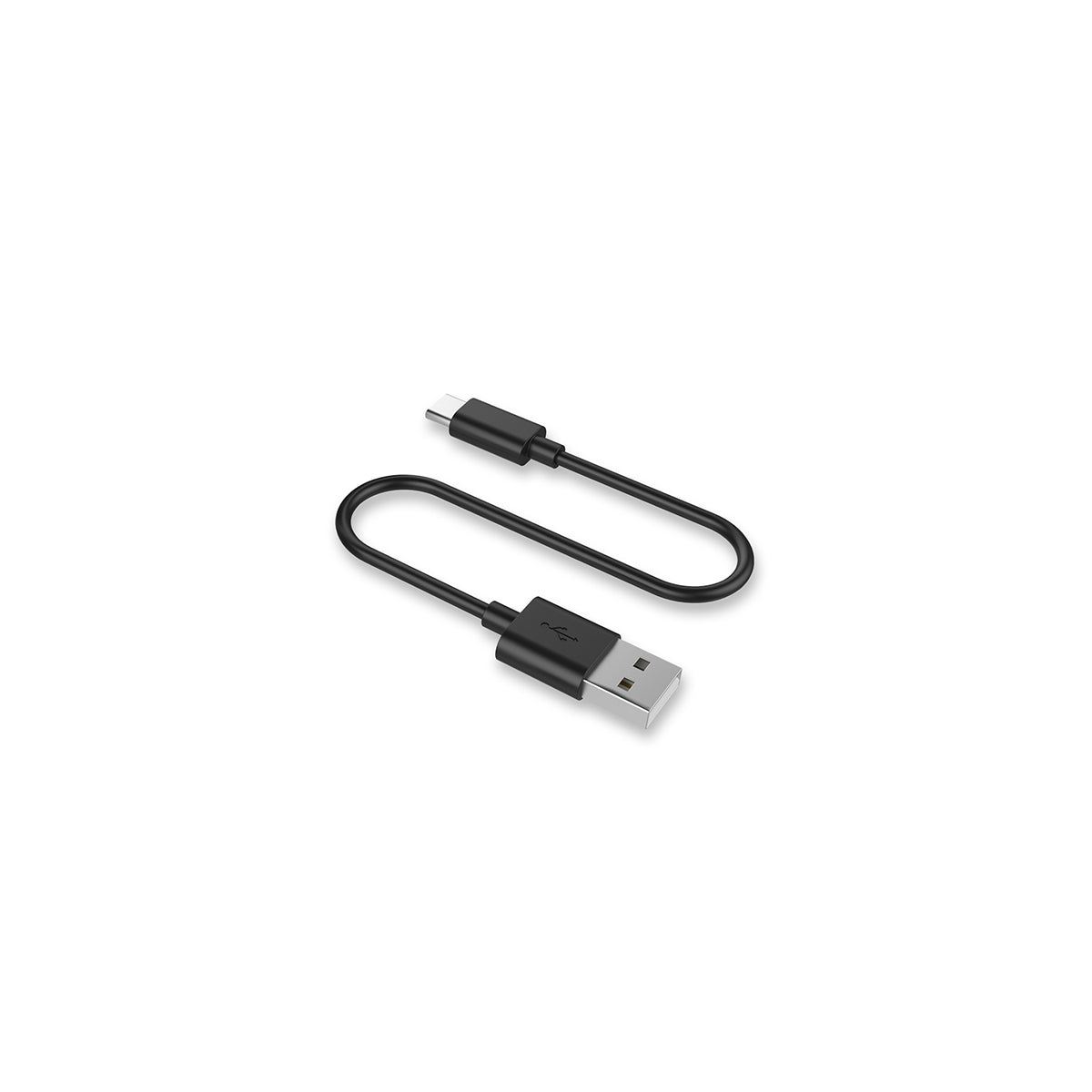 Image of Replacement USB-C Charging cable
Replacement parts the for MEE audio X20 Truly Wireless Sports Earphones.
Choose left earpiece, right earpiece, both earpieces, charging case, or charging cable.
If purchasing only one earpiece, see pairing instructions below.
Features
Instructions for Connecting Your New EarpieceIf you purchase the left or right earpiece, please follow the reset procedure below to connect your new earpiece to the earpiece you already have. This procedure must be performed to connect your old and new earpieces together before you can use your new earpiece. |
Factory Reset InstructionsWatch the video below, which demonstrates how to factory reset your X20. |
Answers to some common questions can be found below. If you need any additional assistance, please contact us and we’ll get back to you within 1 business day.
-
How long will my product take to ship?
We strive to ship most orders out within 1-2 business days. Most pickup orders are available for pickup in 1 business day. Made-to-order products require additional manufacturing time, which is noted on their respective product pages. For more information, visit our Shipping Info page.
-
I need help with a MEE audio product
Answers to most common questions can be found in our Setup Guides and FAQs. If you need a user manual for your MEE audio product, visit the User Manuals page.
-
I have a question about warranty & returns
All new, retail-packaged products purchased from MEE audio or authorized resellers carry a minimum of a 1-year manufacturer warranty. For more information, see our Warranty Policy. Purchases from MEEaudio.com can also be returned within 30 days in most cases. For more information and exceptions, see our Return & Refund Policy
-
I have a different question
Ask our team in one of the following ways:
- Use the 'Chat' button in the lower right hand corner
- Email support@meeaudio.com
- Call us at (626) 965-1008
We are open M-F 9am-5pm PST (except holidays)
California Residents WARNING:
Cancer and Reproductive Harm - www.P65Warnings.ca.gov
For more information about this warning visit MEEaudio.com/prop65