
 MEE audio Pebbles Air Open Ear True Wireless Earbuds and charging case in Onyx
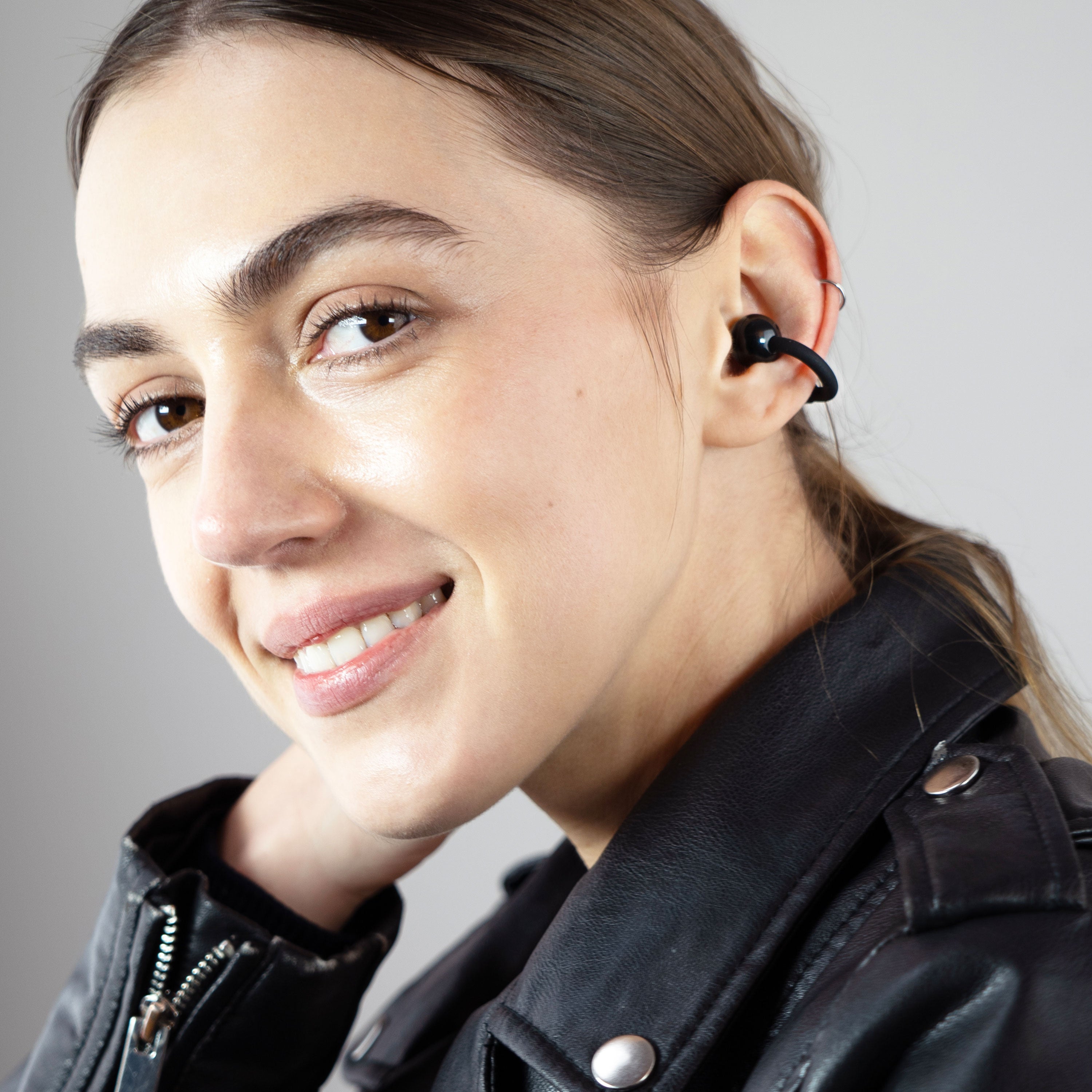 A woman wearing the onxy Pebbles Air earbuds while smiling.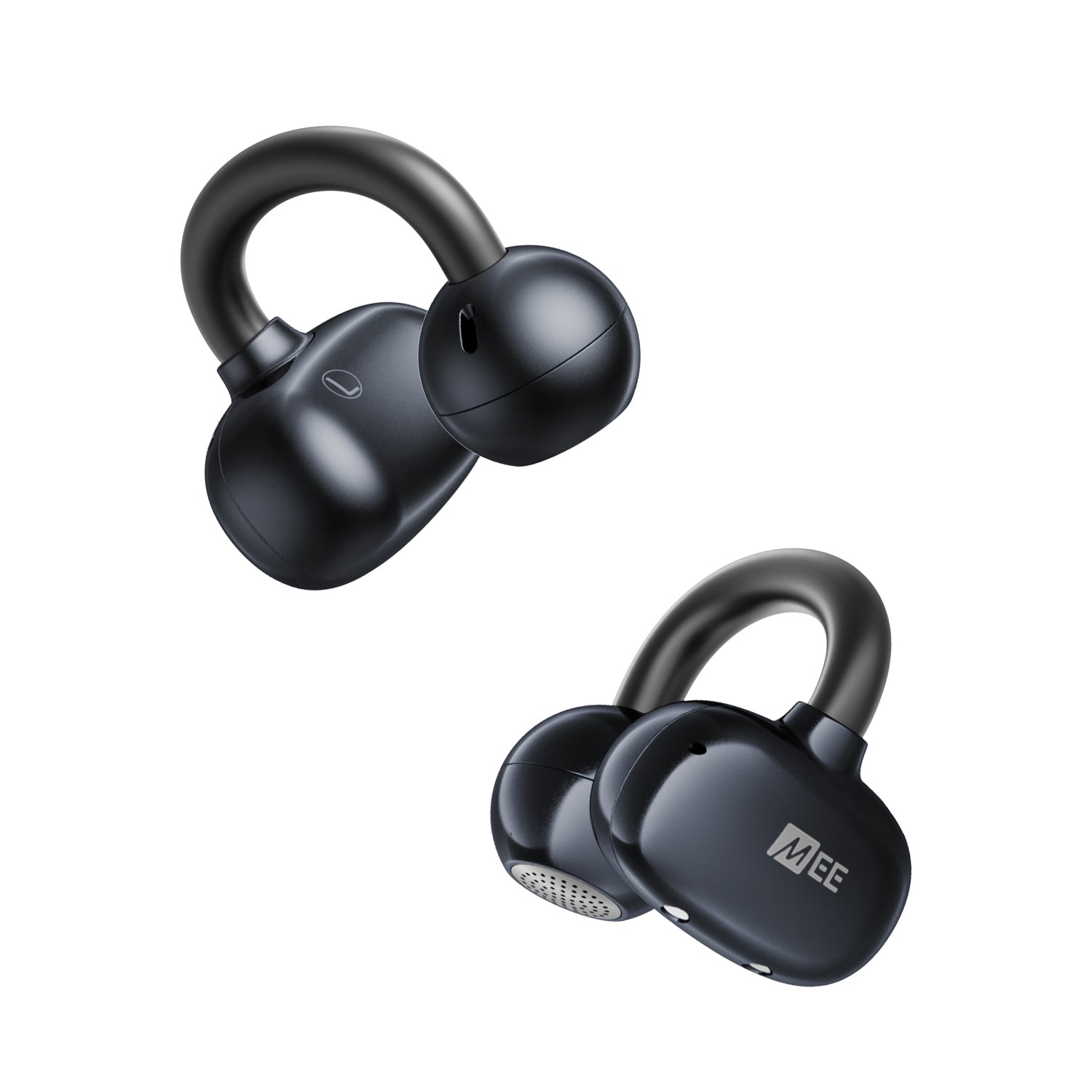
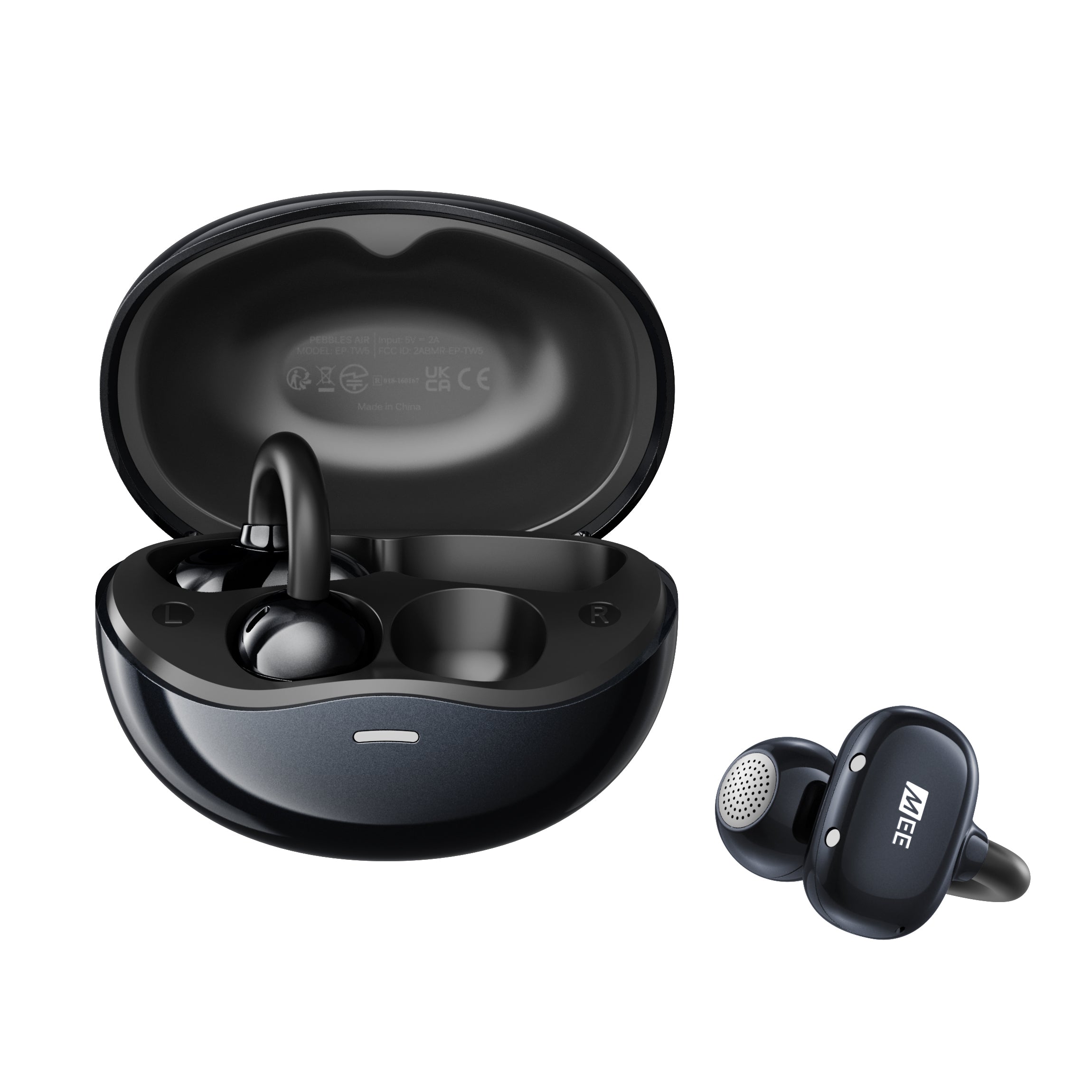 Onyx Pebbles Air earbuds with charging case on a white background
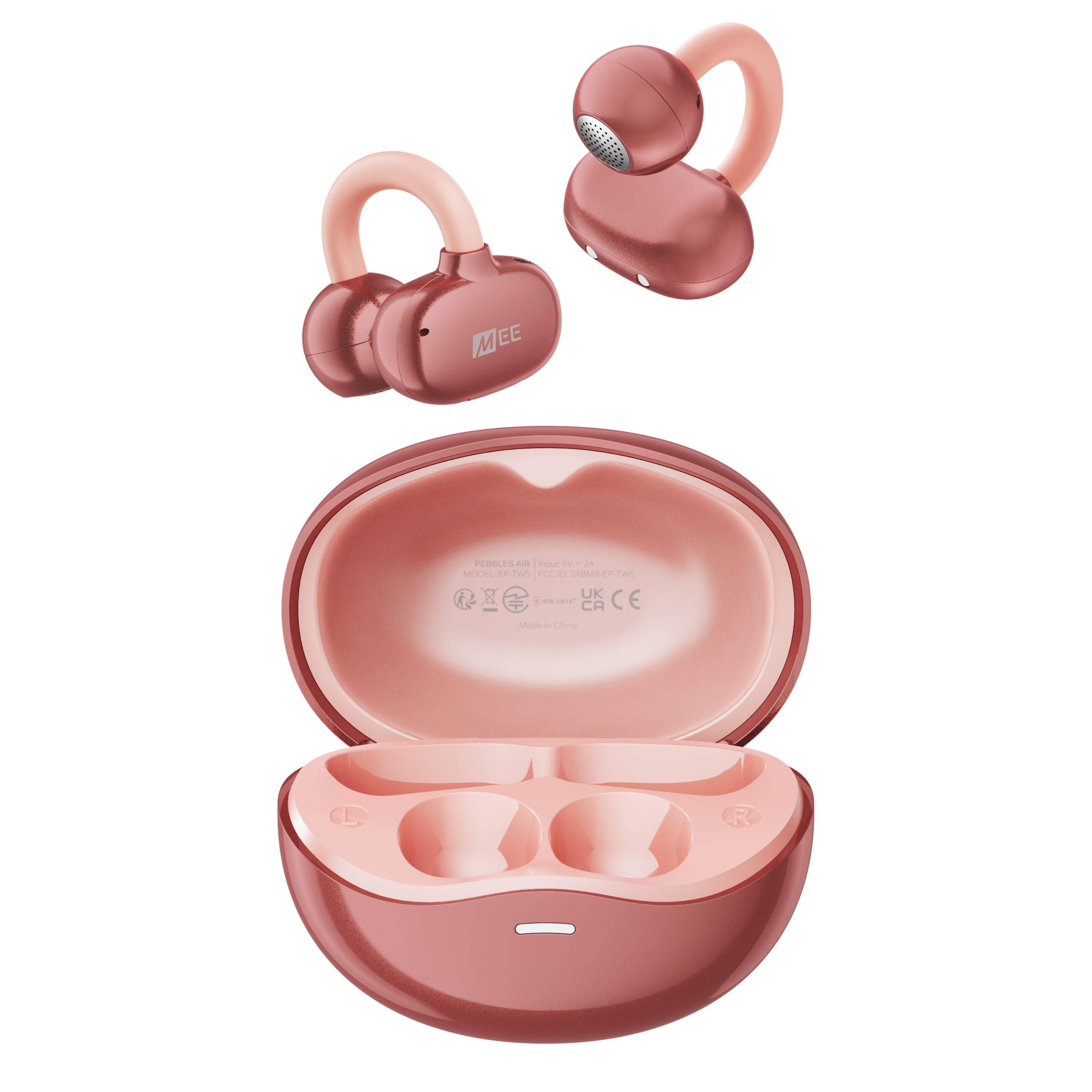 MEE audio Pebbles Air Open Ear True Wireless Earbuds and charging case in Rose Gold
  A woman wearing the rose gold Pebbles Air earbuds while smiling.
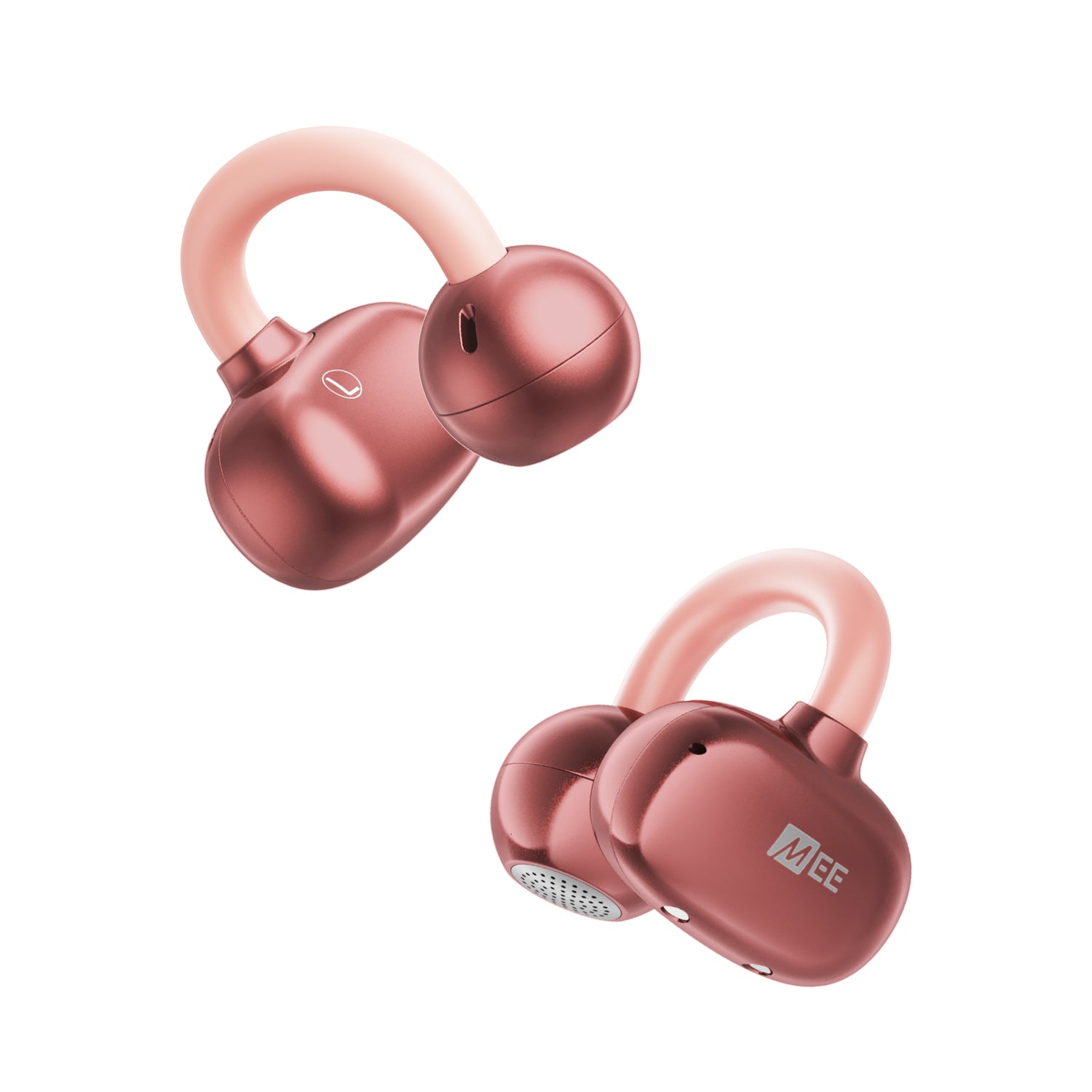 Rose Gold Pebbles Air earbuds on a white background
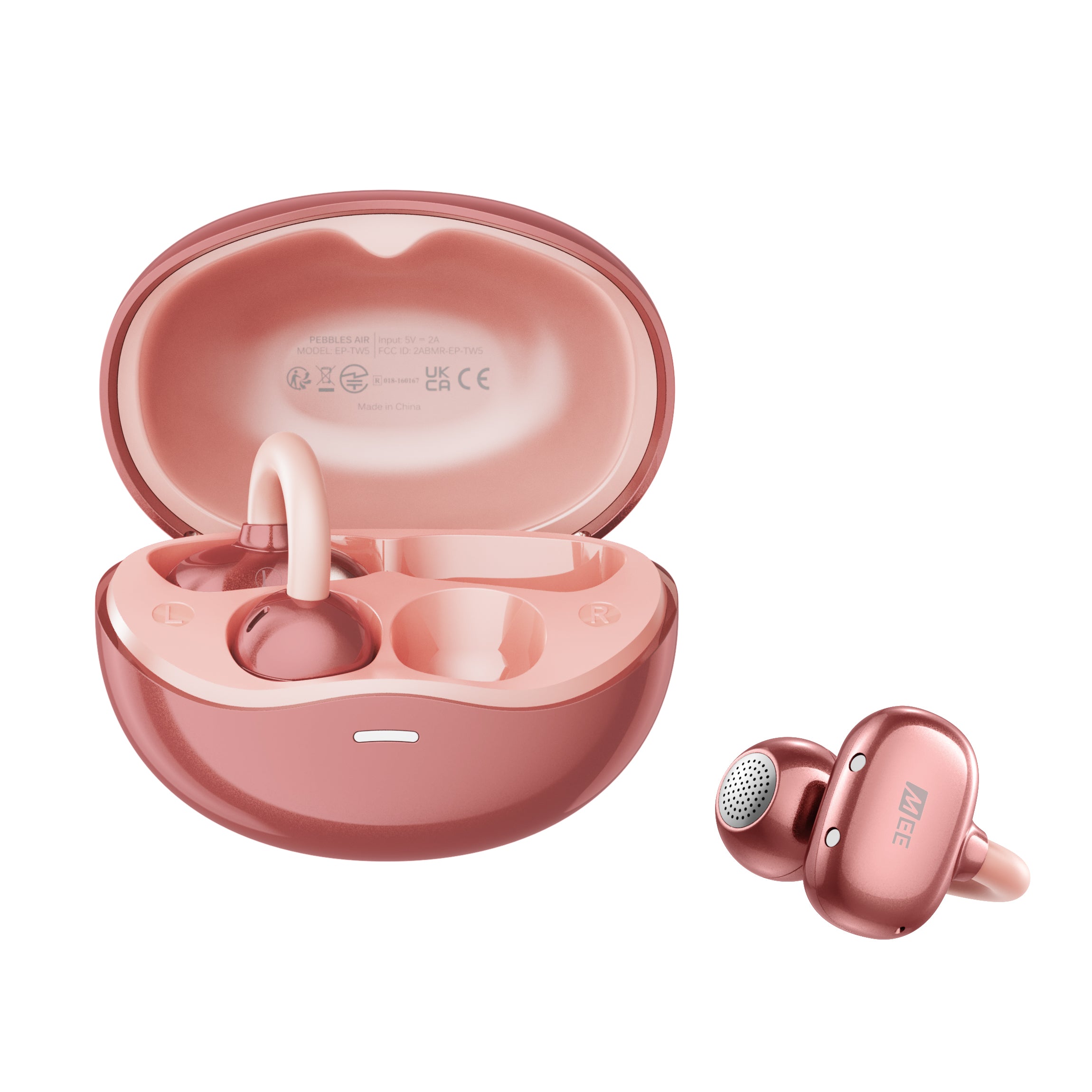 Rose Gold Pebbles Air earbuds with charging case on a white background
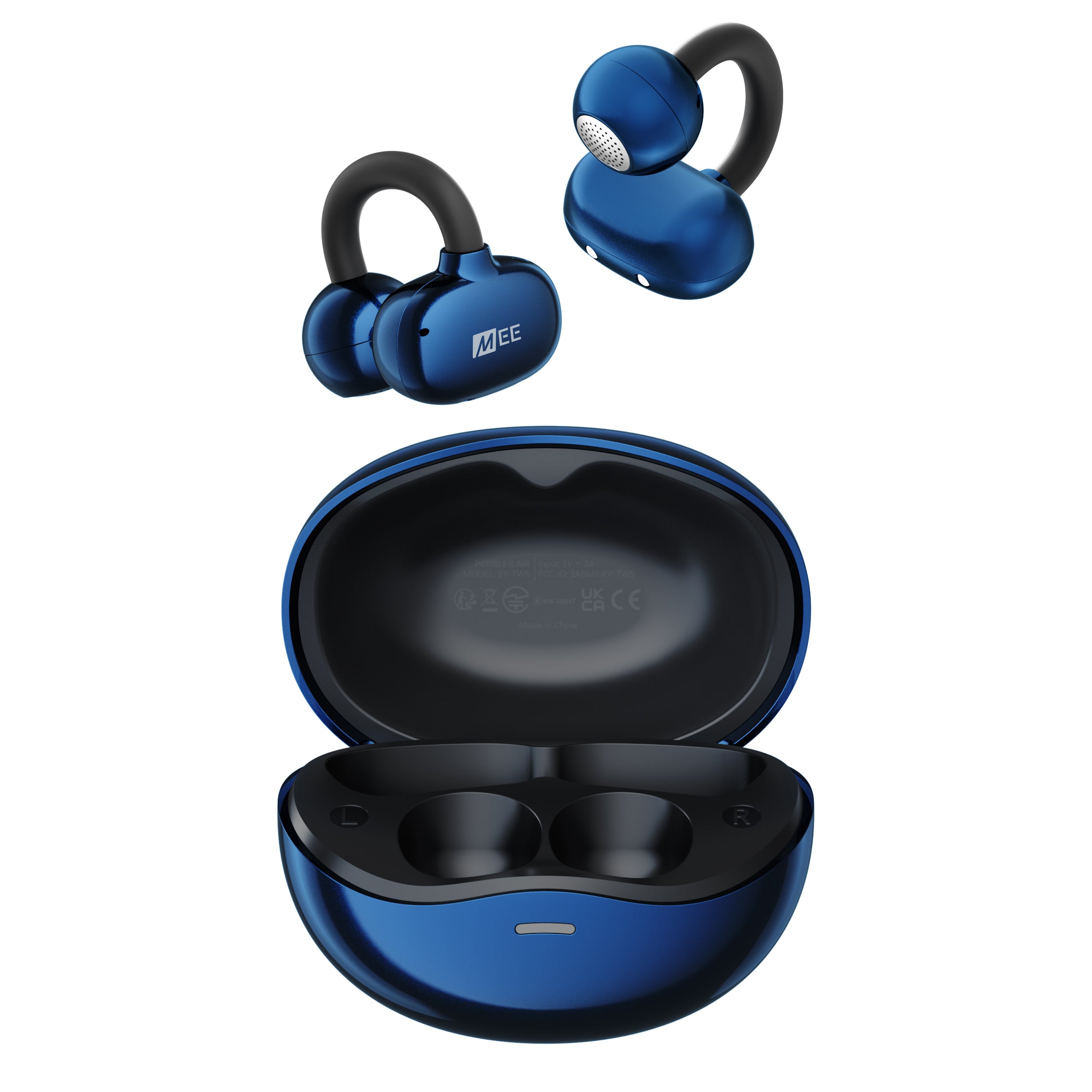 MEE audio Pebbles Air Open Ear True Wireless Earbuds and charging case in Sapphire
  A woman wearing the sapphire Pebbles Air earbuds while smiling.
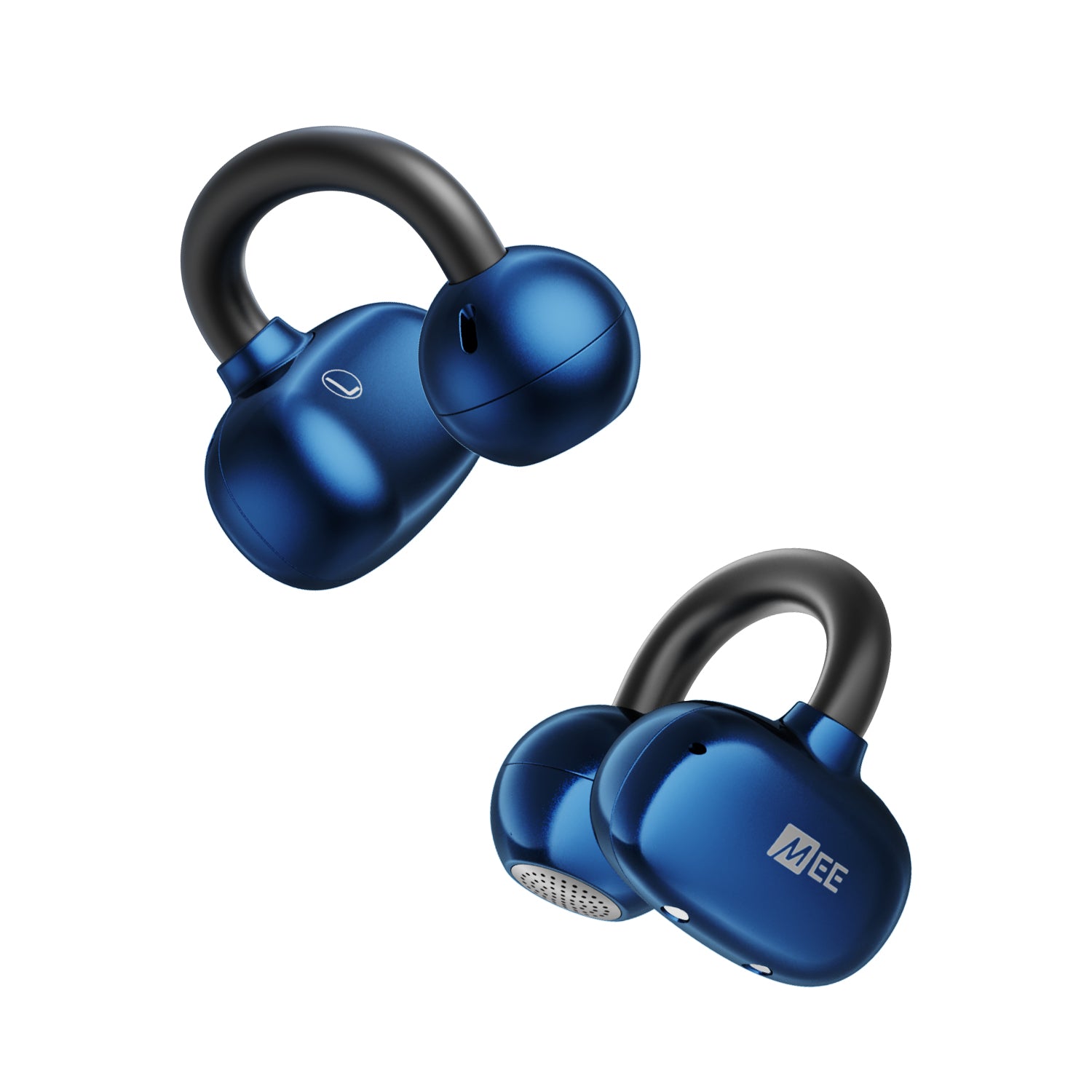 Sapphire Pebbles Air earbuds on a white background
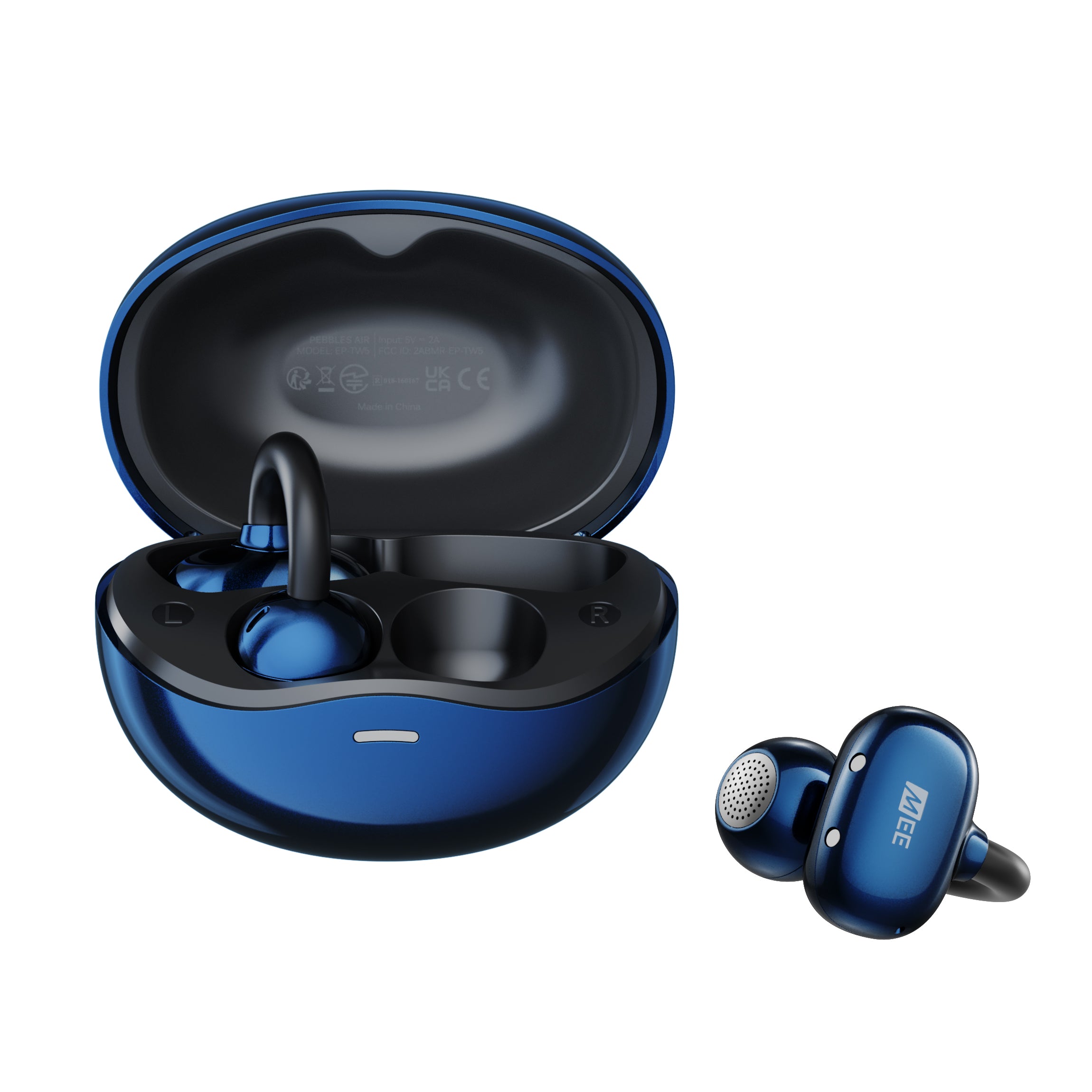 Sapphire Pebbles Air earbuds with charging case on a white background
The Pebbles Air combines featherlight comfort with an open-ear design that keeps you aware of your surroundings while delivering clear calls, customizable sound, and seamless multipoint connectivity. With up to 18 hours of battery life, sweat-resistant design, and intuitive touch controls, they’re the perfect earbuds for work, workouts, and everything in between.
Couldn't load pickup availability
Pickup available at MEE audio Warehouse
We'll email you when your order is readyShare:
Pairs well with
Answers to some common questions can be found below. If you need any additional assistance, please contact us and we’ll get back to you within 1 business day.
-
How long will my product take to ship?
We strive to ship most orders out within 1-2 business days. Most pickup orders are available for pickup in 1 business day. Made-to-order products require additional manufacturing time, which is noted on their respective product pages. For more information, visit our Shipping Info page.
-
I need help with a MEE audio product
Answers to most common questions can be found in our Setup Guides and FAQs. If you need a user manual for your MEE audio product, visit the User Manuals page.
-
I have a question about warranty & returns
All new, retail-packaged products purchased from MEE audio or authorized resellers carry a minimum of a 1-year manufacturer warranty. For more information, see our Warranty Policy. Purchases from MEEaudio.com can also be returned within 30 days in most cases. For more information and exceptions, see our Return & Refund Policy
-
I have a different question
Ask our team in one of the following ways:
- Use the 'Chat' button in the lower right hand corner
- Email support@meeaudio.com
- Call us at (626) 965-1008
We are open M-F 9am-5pm PST (except holidays)
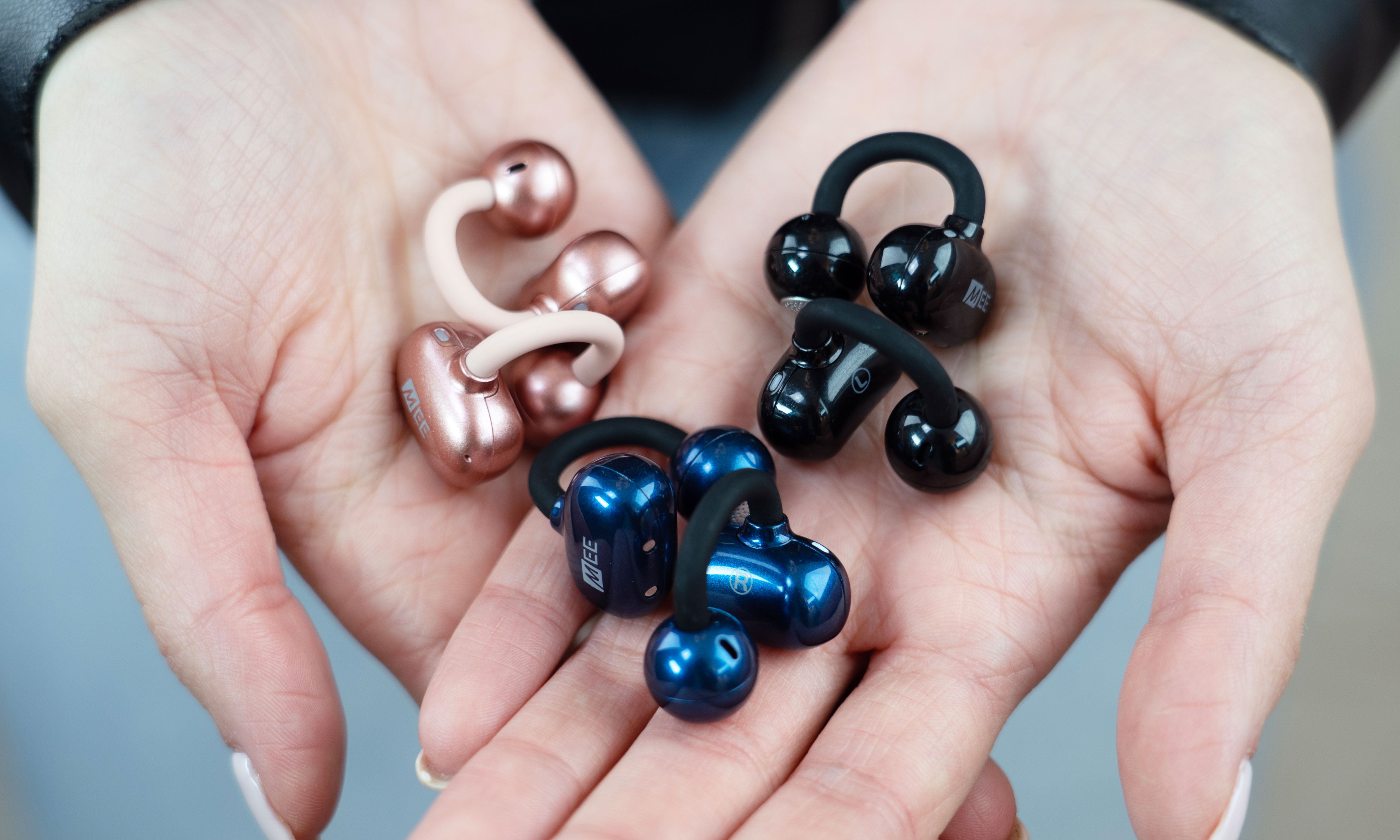
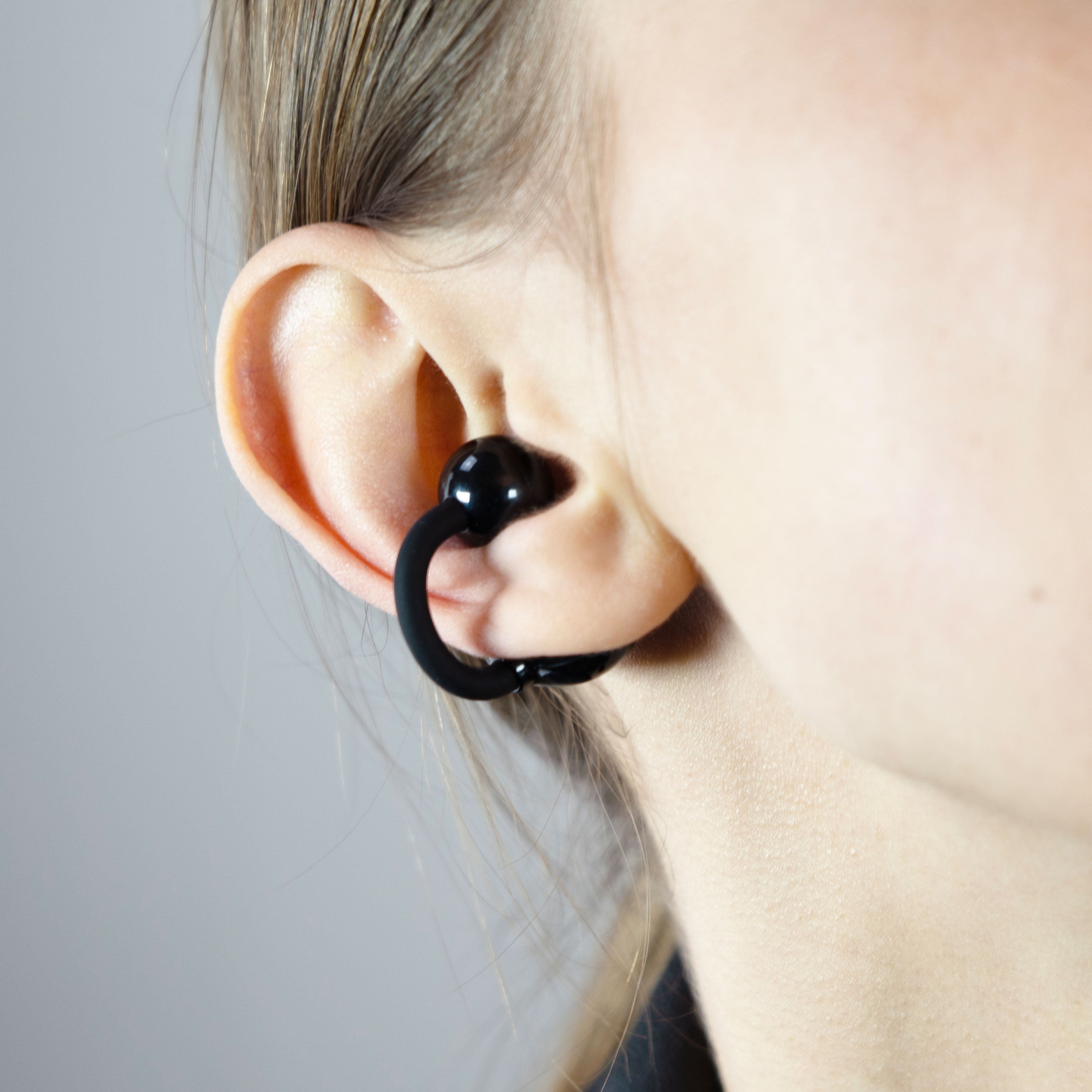
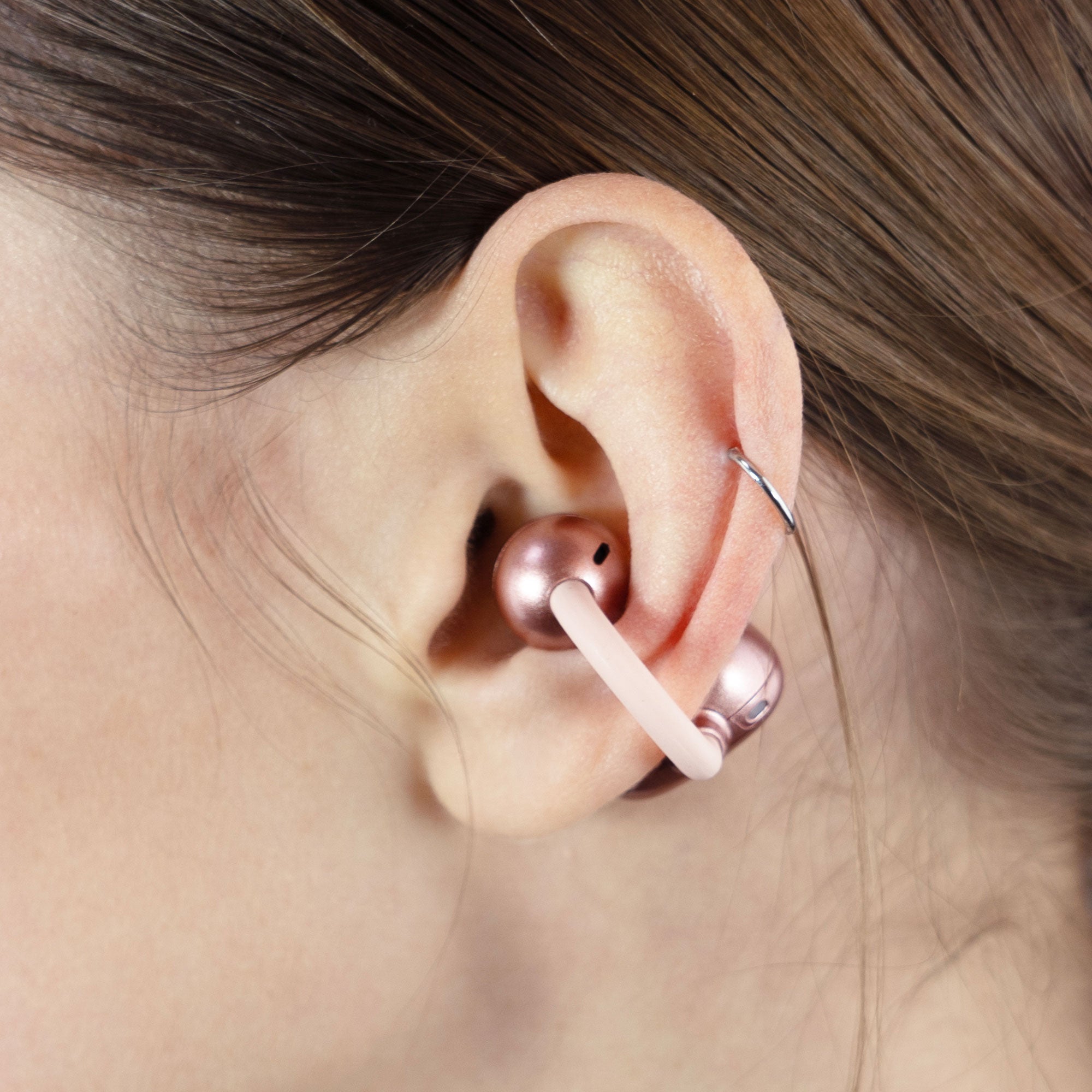
The open ear design of the Pebbles Air lets you enjoy your music and media while still hearing the world around you for improved awareness and safety during your workout or commute, and also allows you to hold conversations without removing your earbuds.
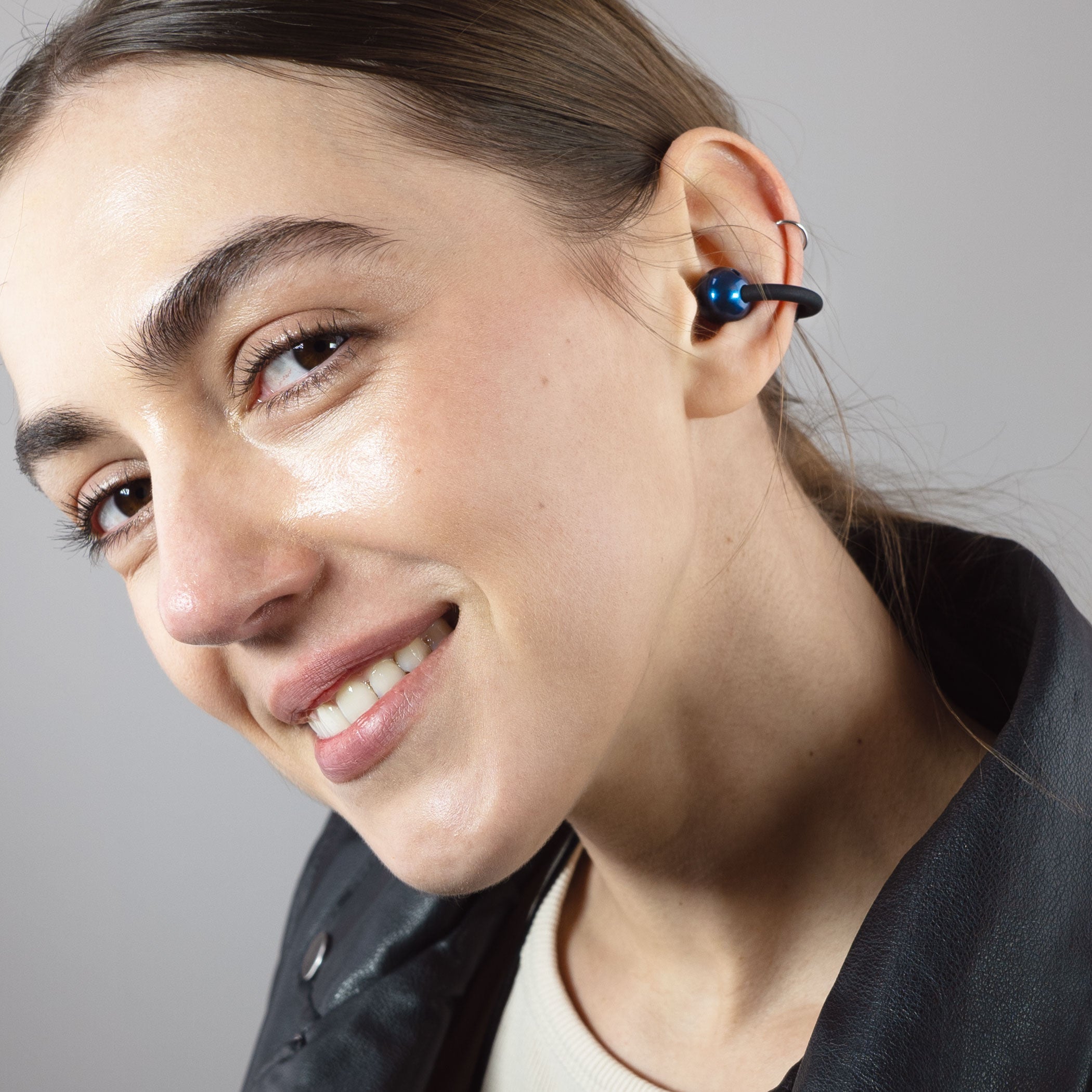
Comfortable Earclip Design
The clip-on earpieces of the Pebbles Air provide a secure open-ear fit that stays comfortable all day, even for users with very small ear canals.
No Eartips Needed
Unlike traditional earbuds and headphones, Pebbles Air use directional speakers to beam audio directly into your ears without covering your ear canals.
This design avoids the vibration of bone conduction earphones, the pressure of in-ear earbuds, and the sweaty earpads of over-ear headphones, while delivering audio only you can hear.
Perfect for Small Ears
Building on the original Pebbles earbuds, the Pebbles Air are even better suited for small ear canals - with the open-ear design, the size and shape of your ear canal don’t matter!
Each earpiece weighs only 4 grams - about the same as a single sheet of A4 paper - which helps them clip securely to ears of all shapes and sizes and remain comfortable all day.
The open ear design lets you enjoy your music and media while still hearing the world around you for improved safety and awareness.
It’s perfect for incorporating podcasts, audiobooks, and other audio into your day and even allows you to hold conversations without removing your earbuds.


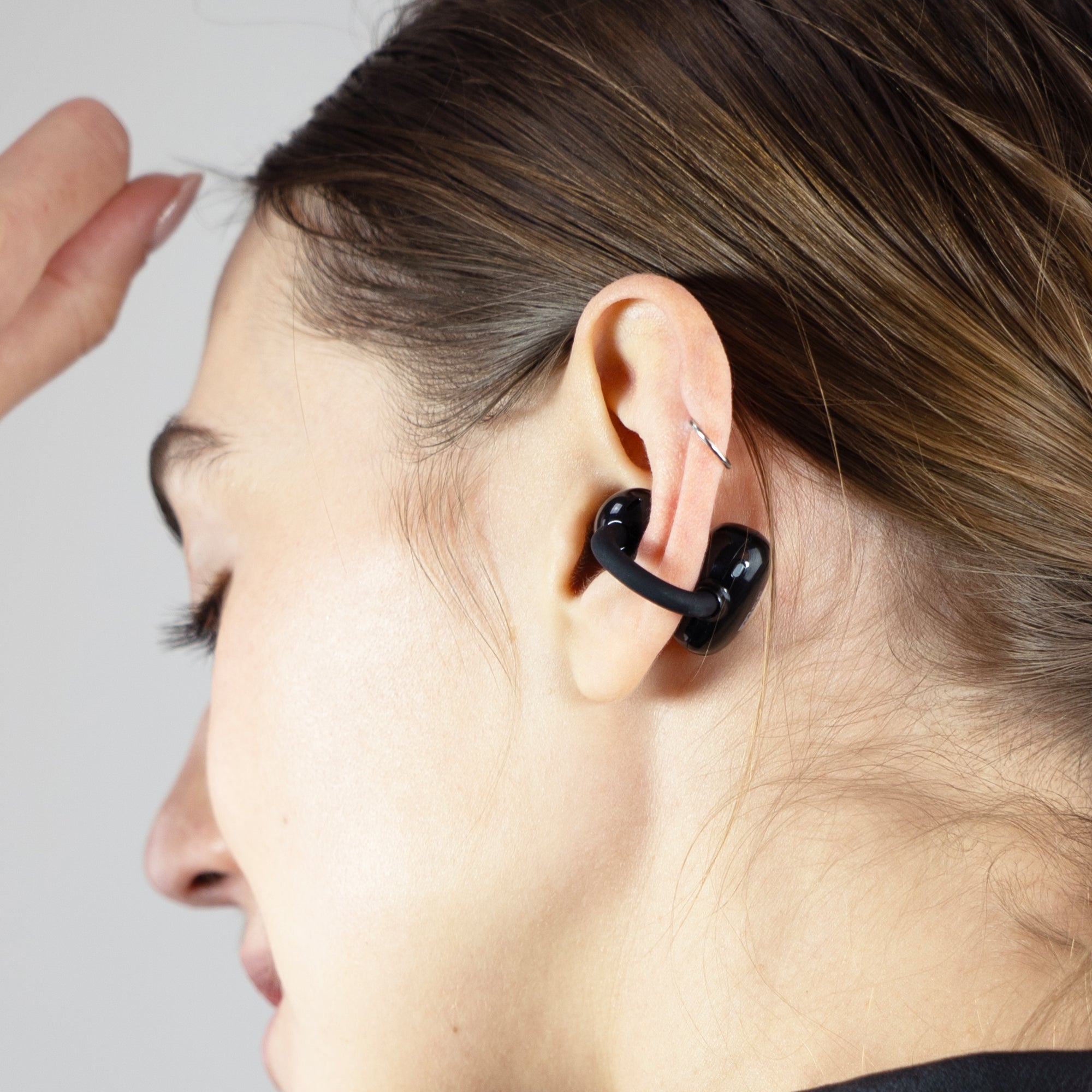
How to Wear
For the best comfort and sound quality:
- Use the left earpiece in the left ear and right in the right ear
- Ensure the speaker is in front and the touch panel is behind the ear
- With audio playing, adjust the Pebbles Air up and down to find the position that gives you the best audio performance
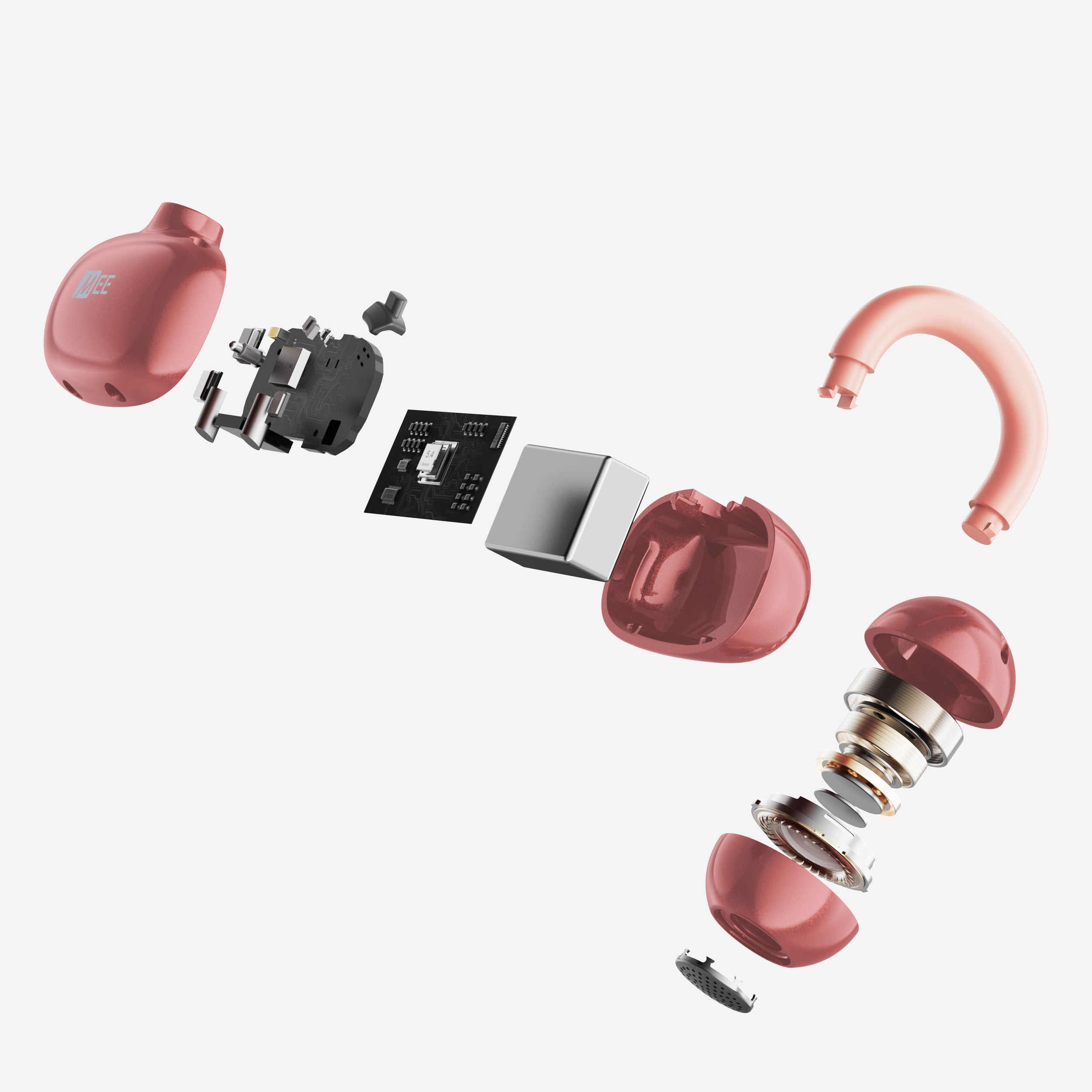
Small Size, Mighty Sound
10mm dynamic drivers deliver MEE signature sound, striking a perfect balance between bass, mids, and highs for natural audio you can enjoy all day.
Pebbles Air full touch controls reference:
- Tap 1x — Left earpiece
- Volume down
- Tap 1x — Right earpiece
- Volume up
- Tap 2x — Both earpieces
- Play, pause, answer, or hang up phone call
- Tap 3x — Left earpiece
- Change audio mode
- Tap 3x — Right earpiece
- Activate Siri or Google Assistant
- Tap 3x while on a call — Both earpieces
- Mute or unmute microphone
- Tap 4x — Both earpieces
- Enable or disable low latency gaming mode
- Tap 5x — Both earpieces
- Enable or disable Bluetooth Multipoint
- Tap 6x — Both earpieces
- Clear pairings and enter pairing mode
- Press and hold 2 seconds — Left earpiece
- Previous track
- Press and hold 2 seconds — Right earpiece
- Next track
- Press and hold 5 seconds — Both earpieces
- Turn both earpieces off
- Press and hold 5 seconds while off — Left earpiece
- Turn left earpiece on
- Press and hold 5 seconds while off — Right earpiece
- Turn right earpiece on
Controls at Your Fingertips
Intuitive touch controls let you adjust volume, control media playback, and manage calls quickly without unlocking your phone.

Adjust your audio on the fly by tapping the touch panel on the left earpiece 3x to cycle through four distinct audio modes:

Balanced
Provides an even mix of low, mid, and high frequencies

Bass Boost
Emphasizes lower frequencies over mids and highs for a warmer sound

Vocal Boost
Enhances the midrange to give more clarity and intelligibility to speech and vocals

Dynamic
Boosts bass and treble for a more vibrant, engaging music experience

Built-in Headset with Mic Mute
Dual microphones let you take calls or participate in video conferences using one or both earpieces while using Environmental Noise Cancellation (ENC) technology to reduce background noise.
Tap the touch panel on either earpiece 3x any time during a call to mute or unmute your microphone.

Bluetooth Multipoint
Bluetooth multipoint can be used to connect two Bluetooth devices to your Pebbles Air simultaneously.
For example, connect both your tablet and your phone to stream audio from either device without missing important phone calls.

Siri / Google Assistant Support
Quickly activate Siri or Google Assistant by tapping the touch panel on the right earpiece 3x

Low Latency Gaming Mode
Tap either earpiece 4x to enable gaming mode, reducing the lag between audio and video for a superior gaming experience.
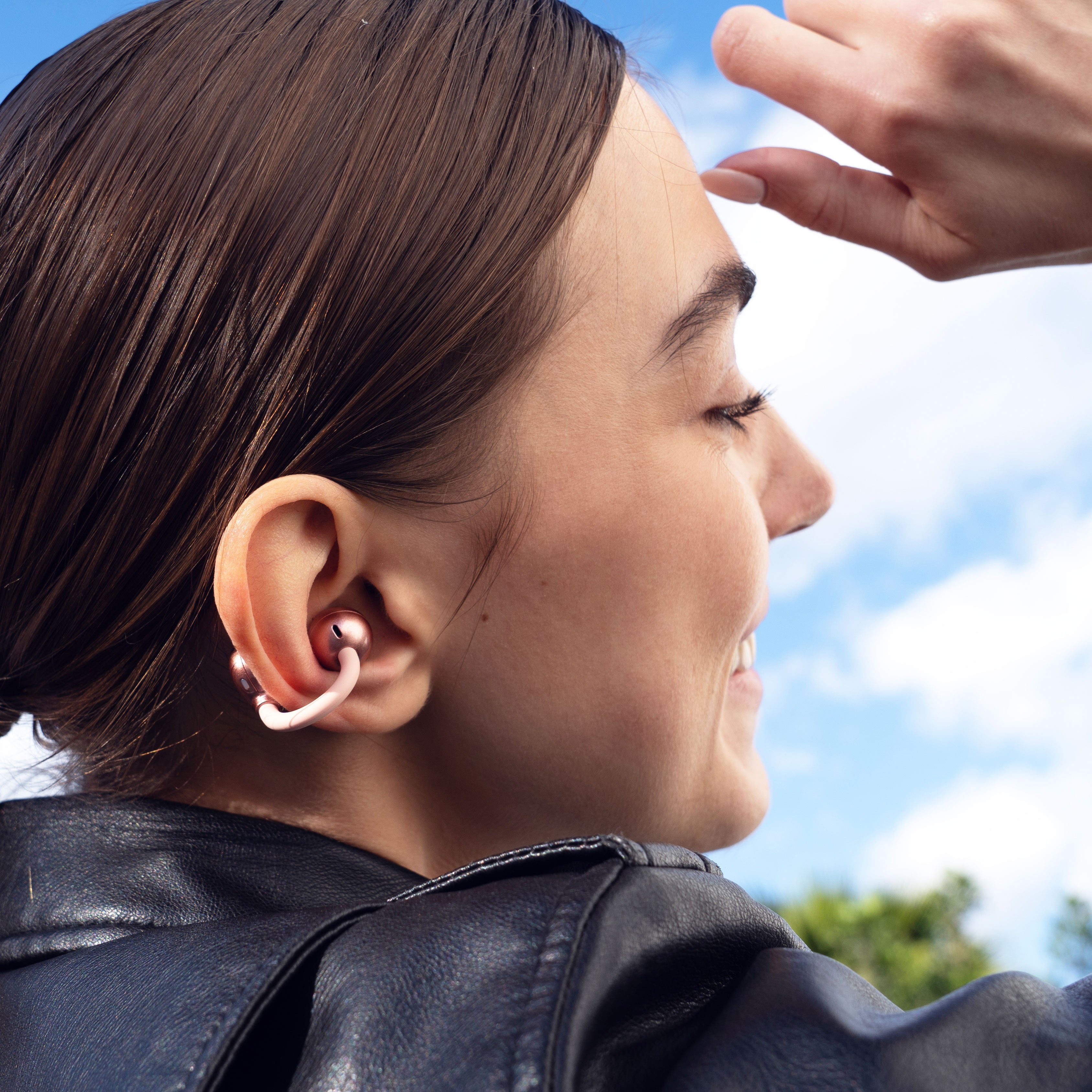
IPX4 Water Resistance
The IPX4 sweat-resistant design protects your Pebbles Air from moisture.
Each charge provides up to 6 hours of continuous playtime, with an additional 12 hours available from the included charging case.
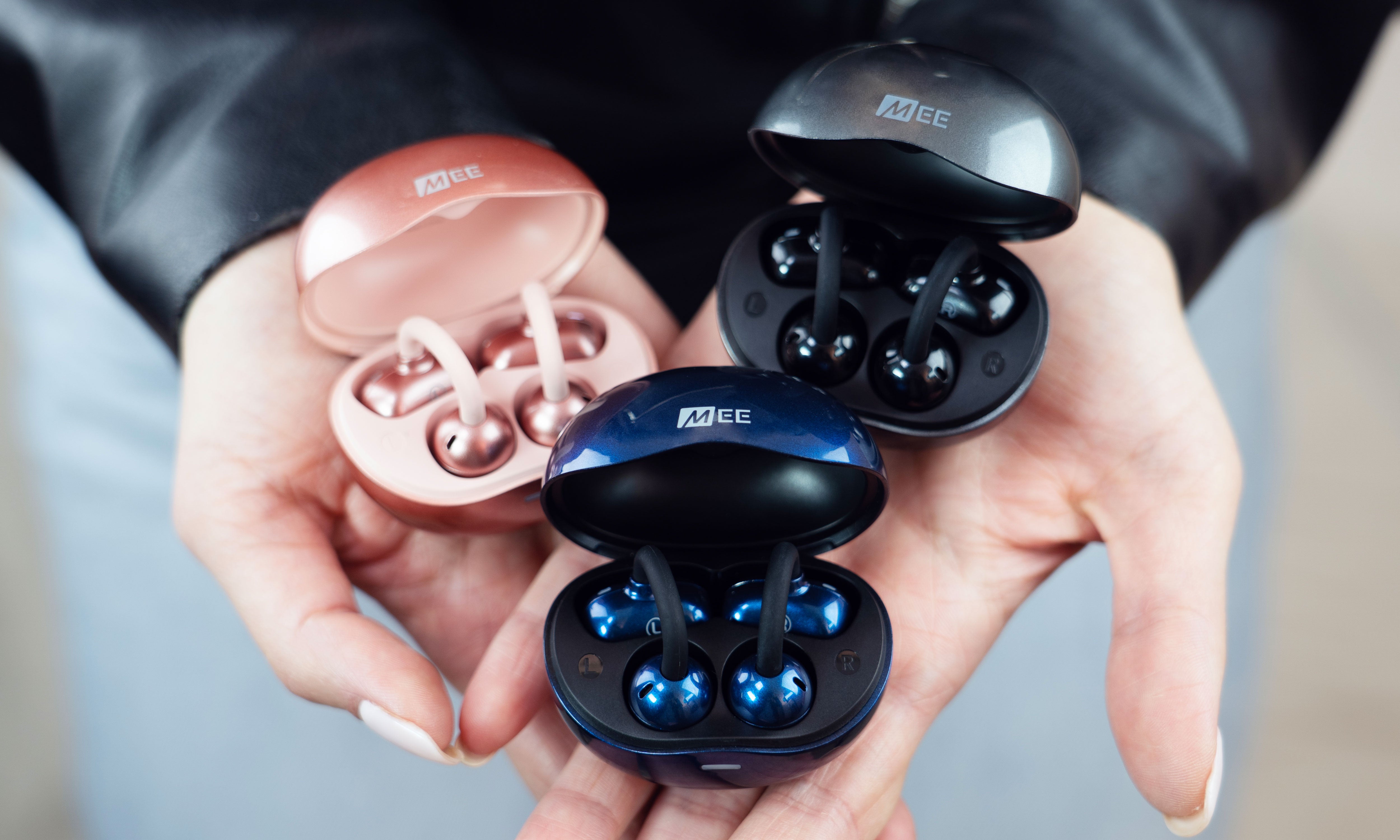
Perfect for Small Ears
Tech Specs
Product Details
Ear Coupling
– Open ear clip-on
Connection Options
– Bluetooth
Water Resistance
– IPX4
Weight (with Box)
– 4.7 oz (133 g)
Weight (Net)
– 1.4 oz (40 g)
Dimensions (Box)
– 3.7 x 4.3 x 2.1 in (9.5 x 10.8 x 5.3 cm)
Included Accessories
– Charging case, USB charging cable
Speaker
Driver Size
– 10 mm
Frequency Response
– 20 Hz to 20 kHz
Bluetooth
Bluetooth Version
– 5.3
Operating Range
– 30 ft (10 m)
Bluetooth Profiles Supported
– A2DP, HSP, HFP, AVRCP
Multipoint Supported
– Yes
Battery
Battery Type
– Built-in rechargeable li-ion battery
Battery Capacity
– 320 mAh
Battery Life
– Up to 6 hours
Charging Time
– 2 Hours
Carrying Case Charges
– 2 Charges
Carrying Case Charging Connector
– USB-C
Microphone
Directivity
– Omnidirectional
Frequency Response
– 100 Hz to 10 kHz
Sensitivity
– -38 dB± 3dB
Support
Pebbles Air Product Manual
For additional information on troubleshooting, pairing, connecting, maintenance, and more please refer to the Pebbles Air user manual, available in two formats:
- Pebbles Air User Manual – Accessible HTML version
- Pebbles Air User Manual – Original PDF version (opens in new tab). To save it to your computer, right click the link and select "Save Link As...".
Included in the Box

Pebbles Air

Carrying Case

USB-A to USB-C Cable

Quick Start Guide